 |
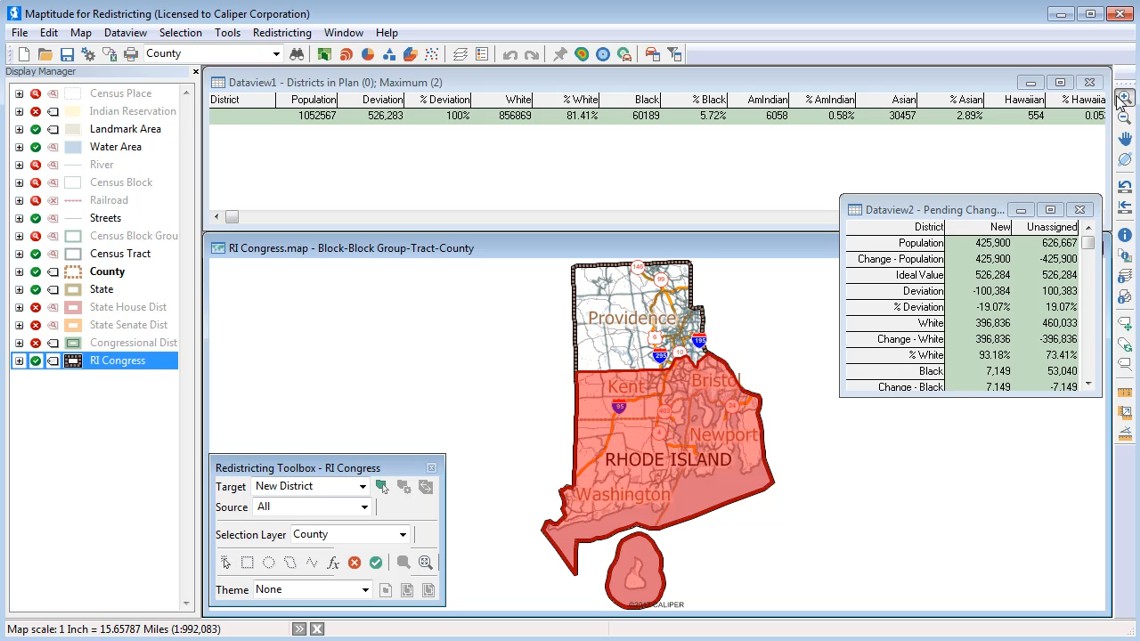
Creating a New Redistricting Plan: This video demonstrates how to use a map to create a new redistricting plan and how to use the Redistricting toolbox to add and modify districts. (7:00) |
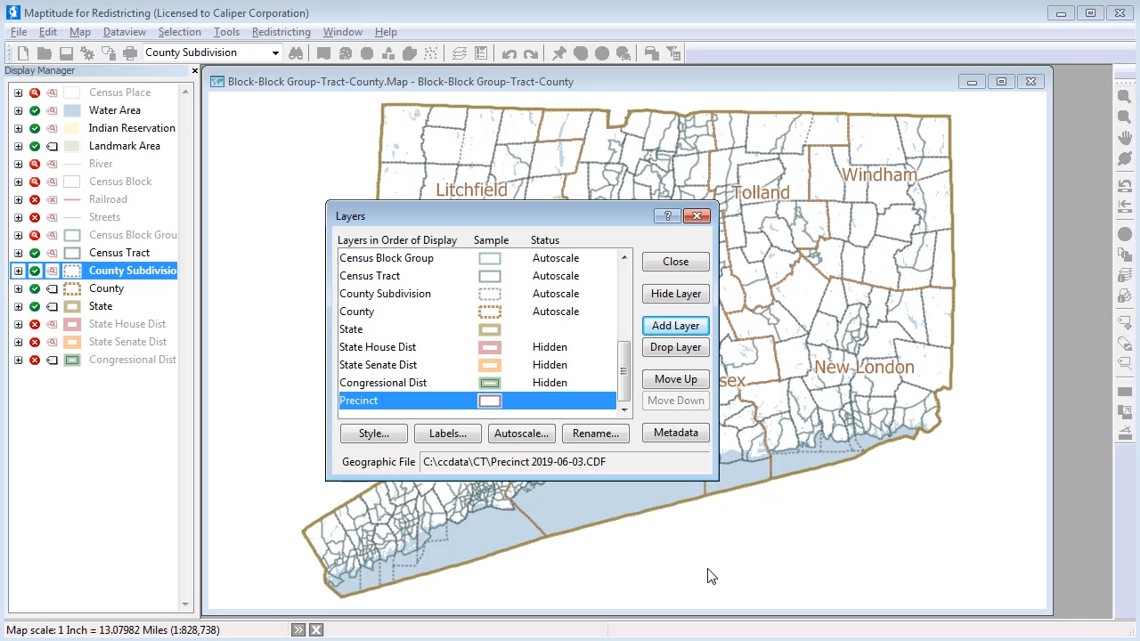 |
Exporting a District Layer: This video demonstrates how to export a district layer and modify it for use in another plan. (3:29) |
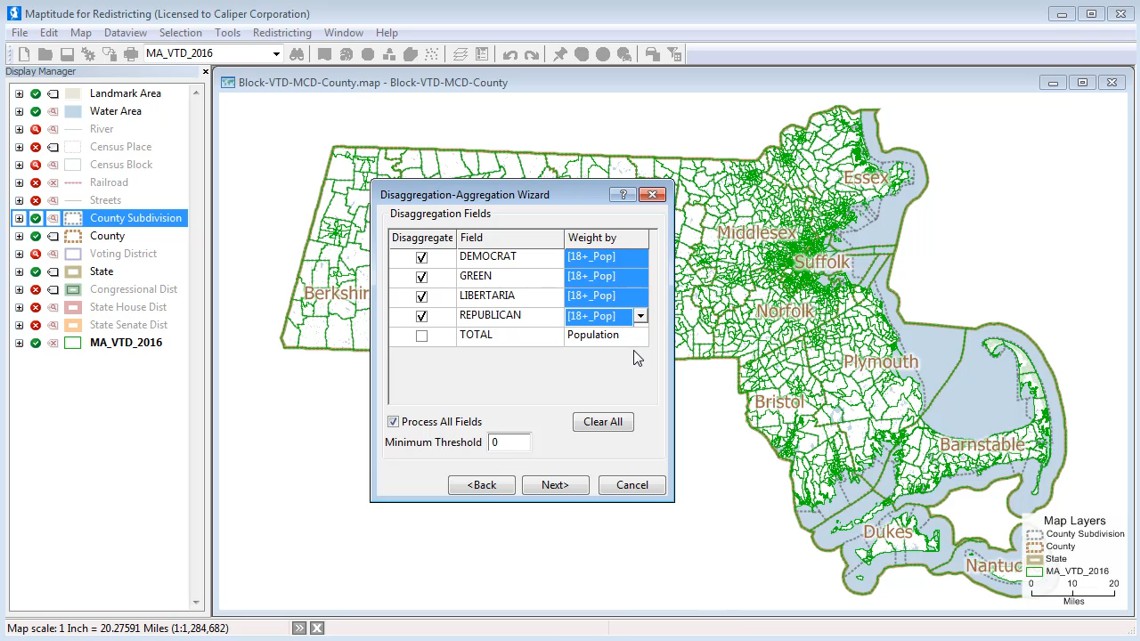 |
Disaggregating and Aggregating Data from a Map
Layer: This video demonstrates how to disaggregate and aggregate data from a geographic file. (2:26) |
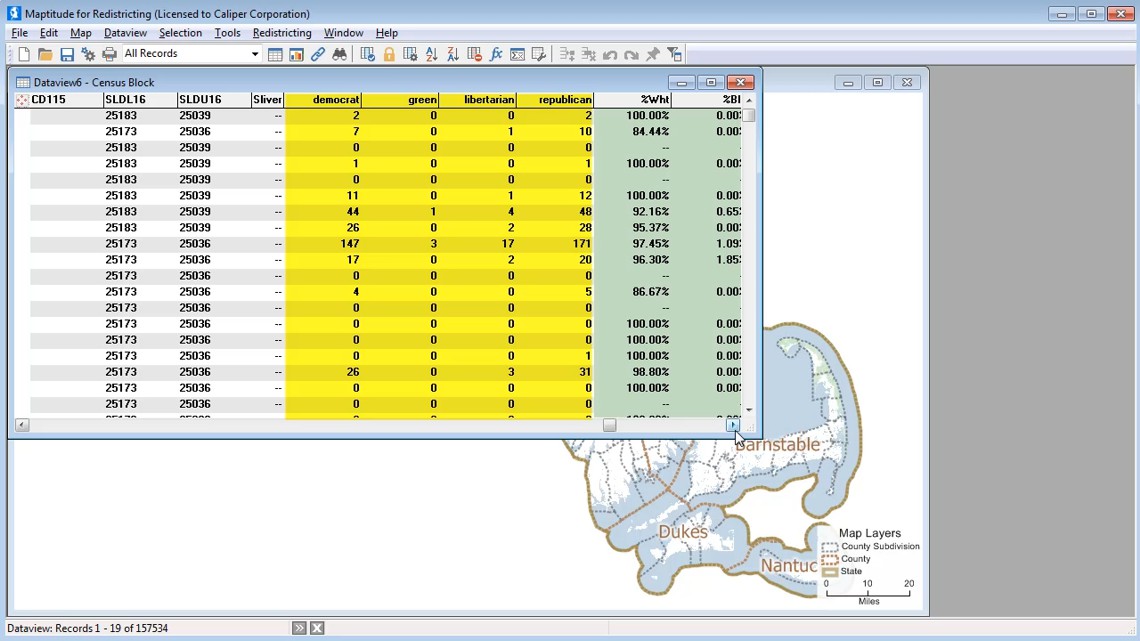 |
Disaggregating and Aggregating Data from a
Table: This video demonstrates how to disaggregate and aggregate data from a table. (2:35) |
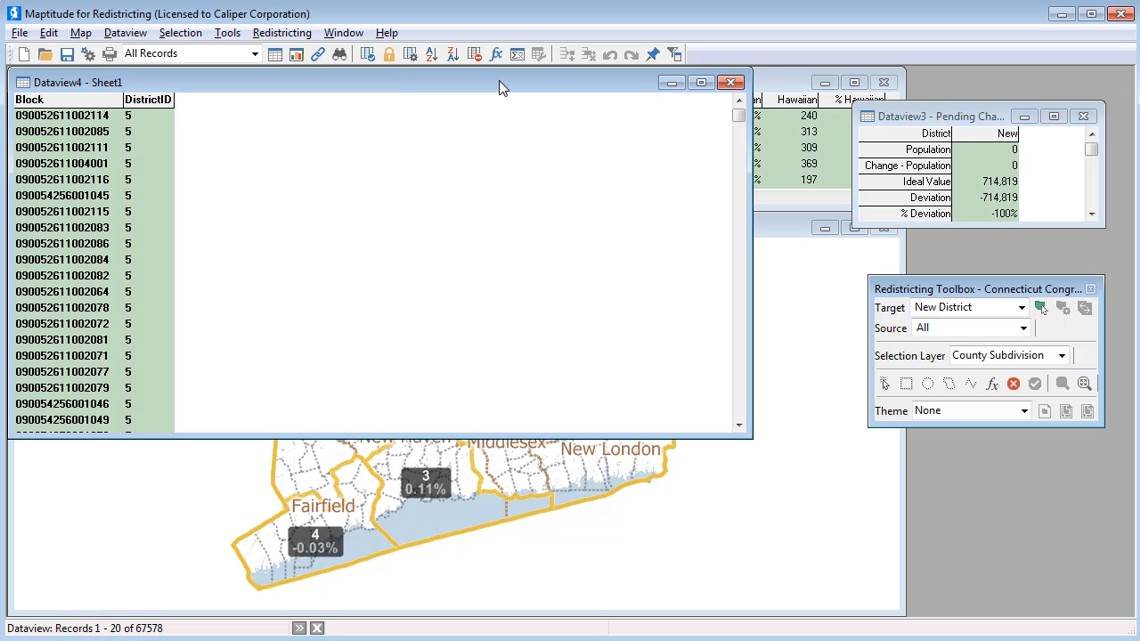 |
Exporting
a Plan to an Equivalency File: This video demonstrates how to export a plan to an equivalency file. (1:33) |
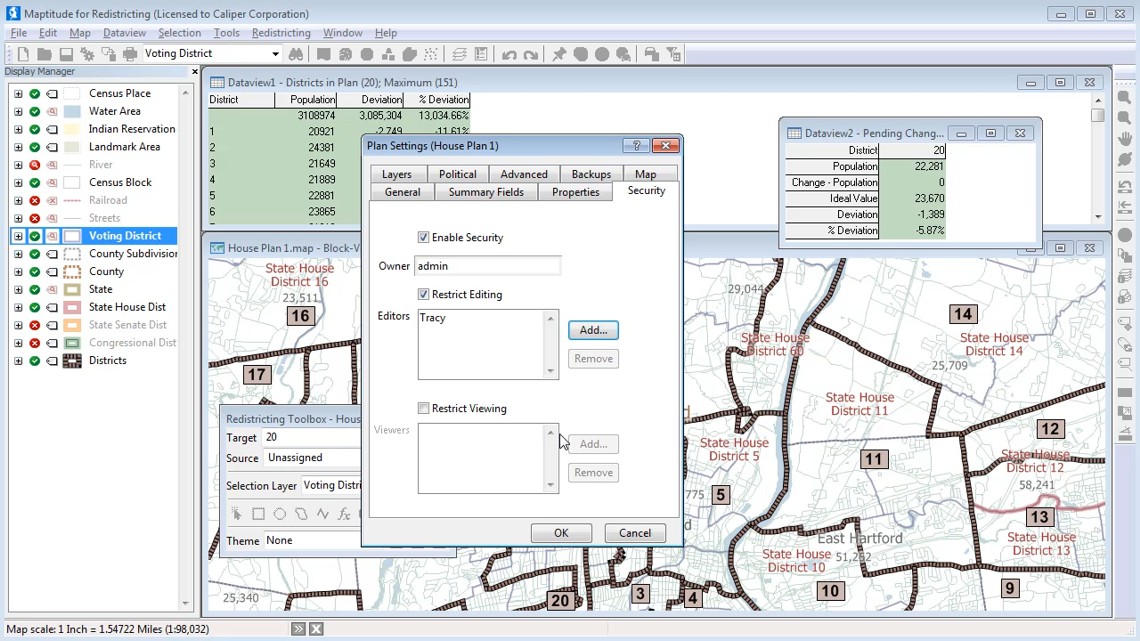 |
Plan Security: This video demonstrates how to secure a plan library and specify which users have editing and viewing rights to each plan. (2:27) |
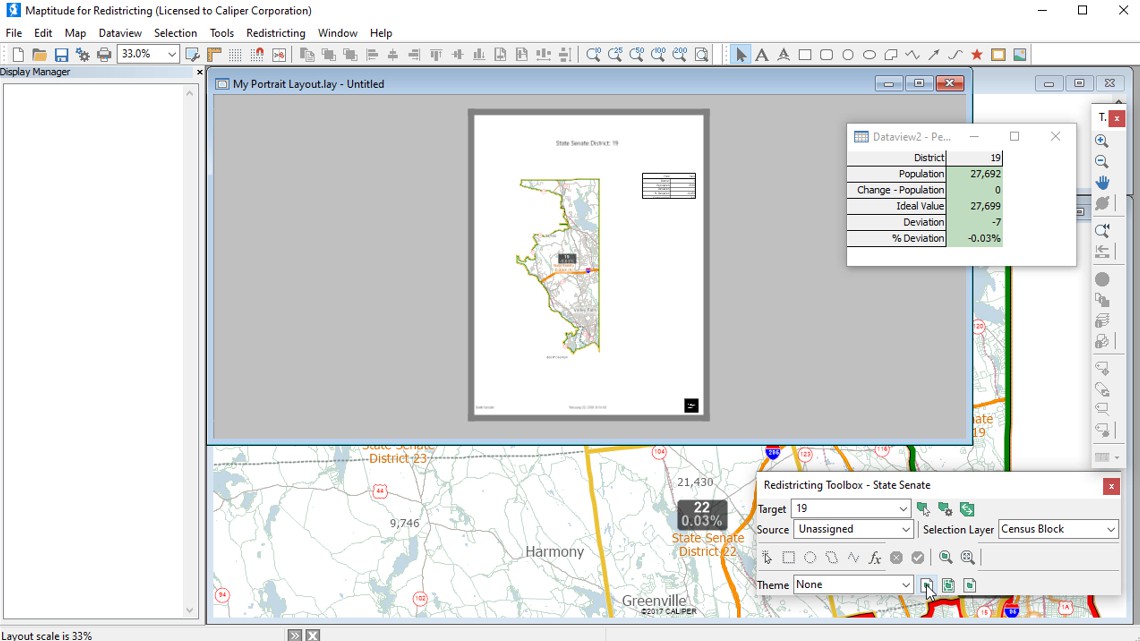 |
Custom Report Layouts: This video demonstrates how to customize district layouts and use custom redistricting layouts. (3:46) |
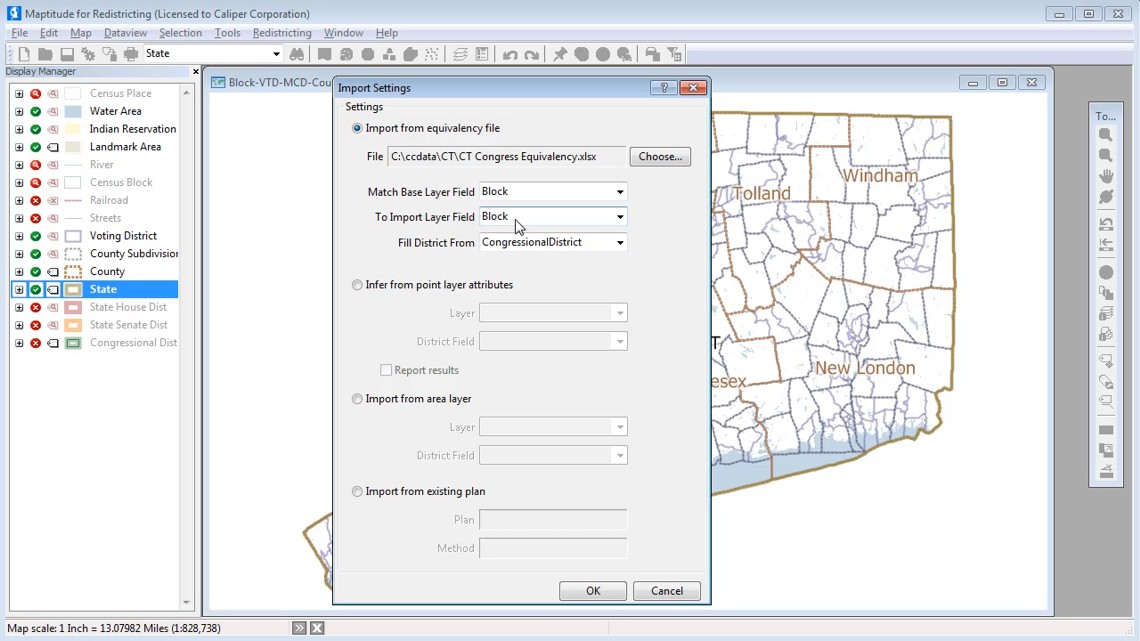 |
Importing a Plan
Using an Equivalency File: This video demonstrates how to import a redistricting plan using an equivalency file and a map. (1:50) |
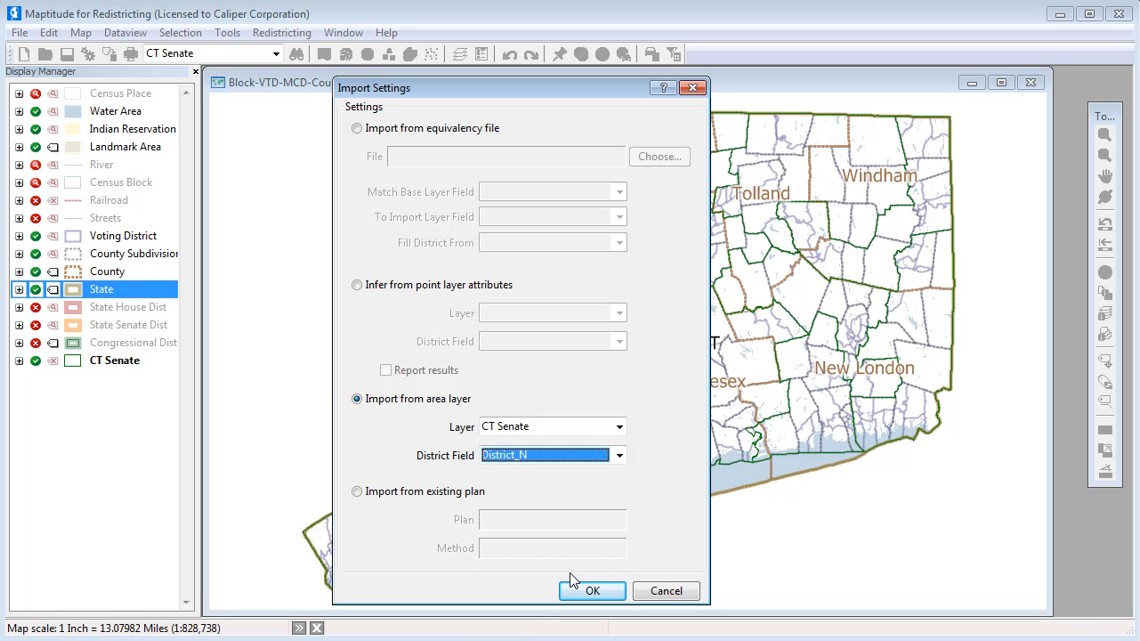 |
Importing a Plan
Using an Area Layer: This video demonstrates how to import a redistricting plan using an area layer and a map. (2:13) |
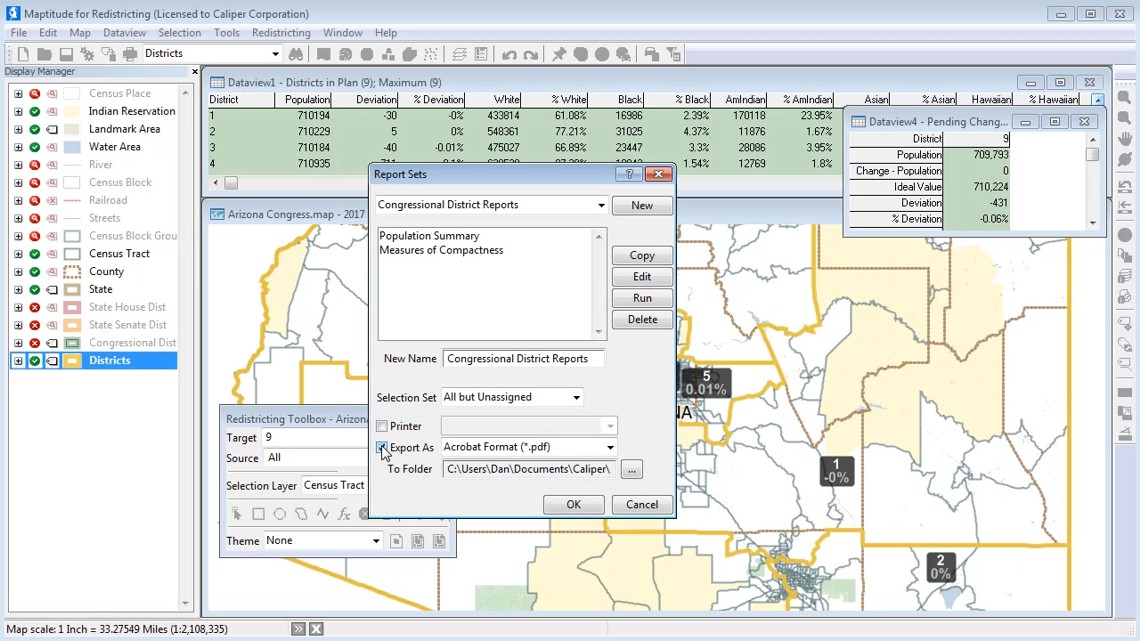 |
Grouping
Reports into Report Sets: This video demonstrates how to group reports together into report sets and how to modify report sets. (2:20) |
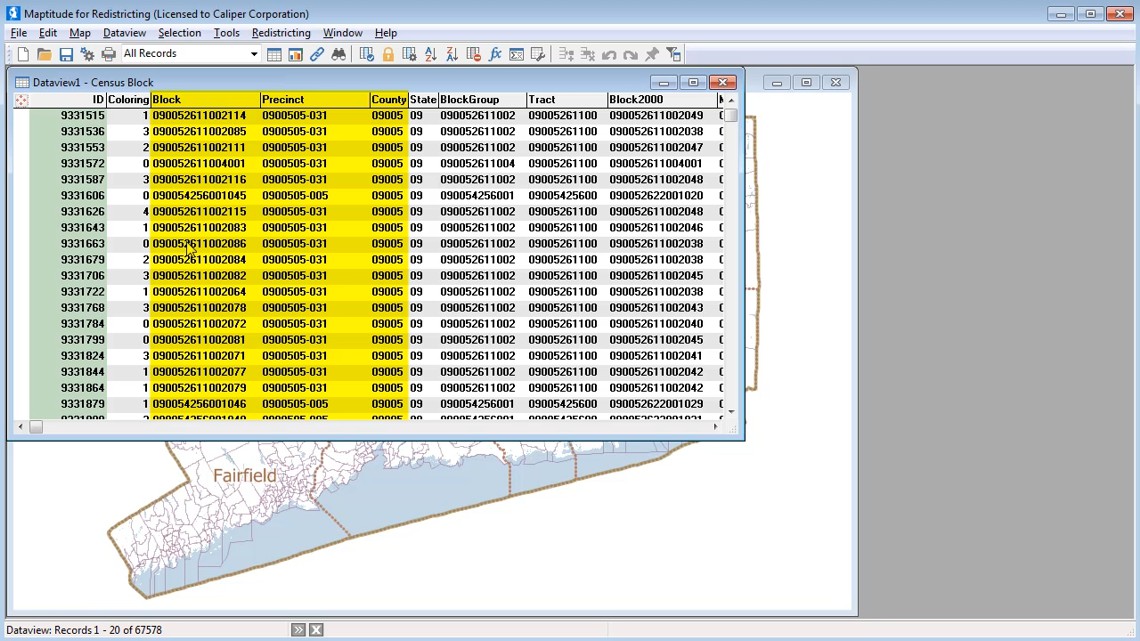 |
Using a Custom Hierarchy to Create a Plan: This video demonstrates how to use your own geography and a custom hierarchy to create a redistricting plan. (4:33) |
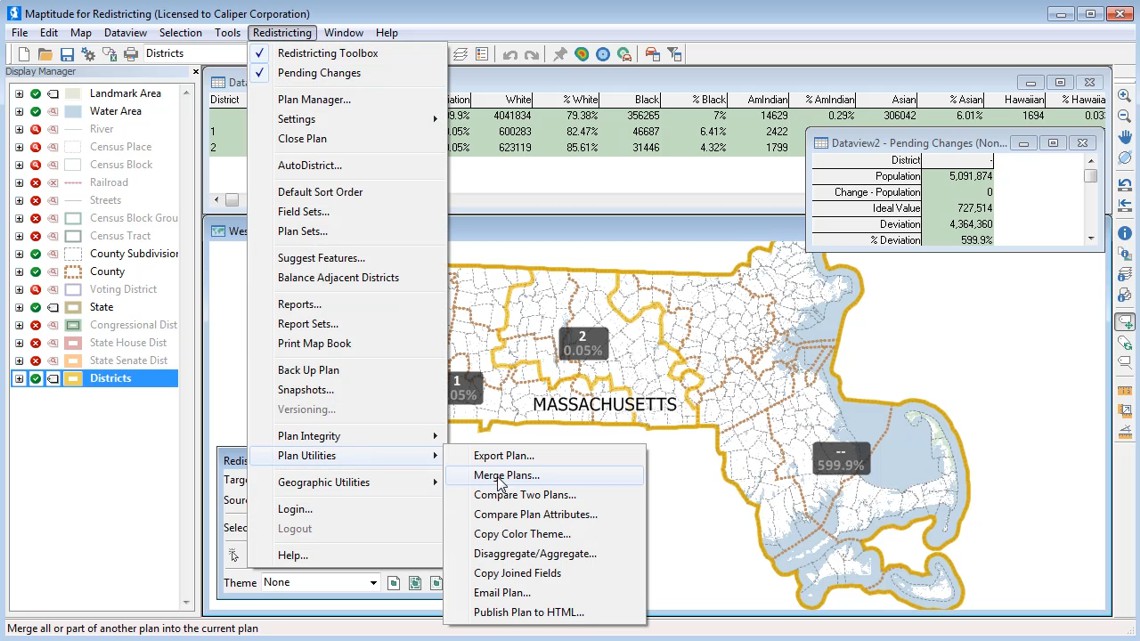 |
Merging
Sub-Plans: This video demonstrates how to merge sub-plans for different geographic areas into a master plan. (1:02) |
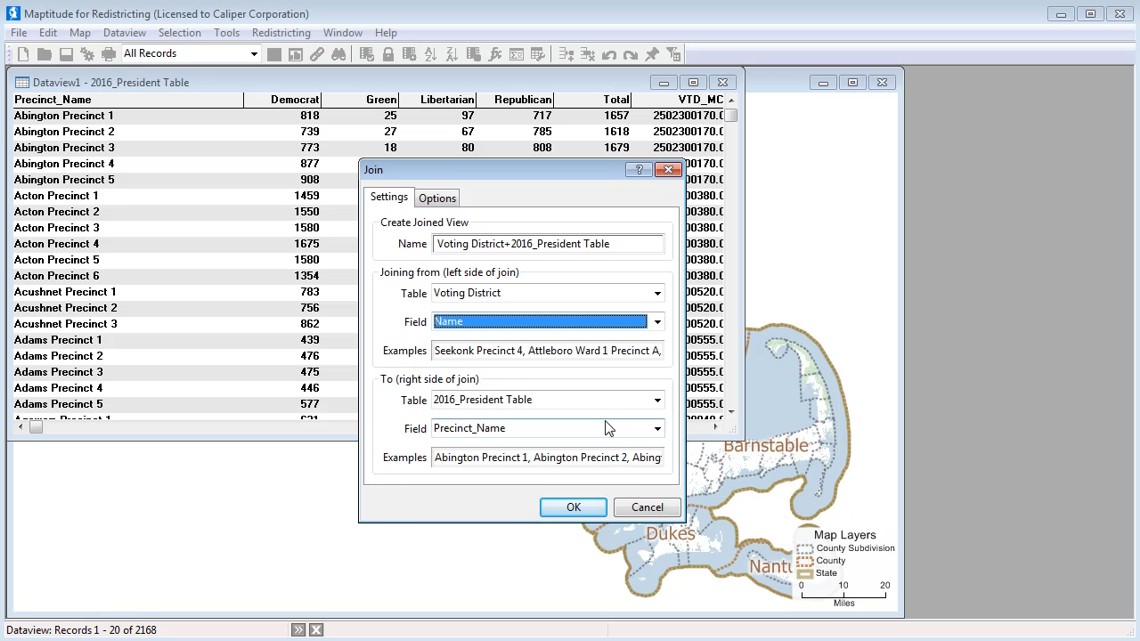 |
Attaching
Data to a Layer: This video demonstrates how to permanently attach data to a layer. (1:50) |
 Call Us
