
Your license of Maptitude for Redistricting needs to be activated before it can be used. Activation is done by contacting the Maptitude for Redistricting license server, requesting an activation code and then applying this code to your installation of the software. It is important to note that this activation code is requested and applied automatically by the software. You should not need to request the code by contacting Caliper directly yourself.
Table of Contents
1. Current Version of Maptitude for Redistricting
2. Older Versions of Maptitude for Redistricting
Current Version of Maptitude for Redistricting
- Once installed, you can open Maptitude for Redistricting, and the program will automatically activate your license.
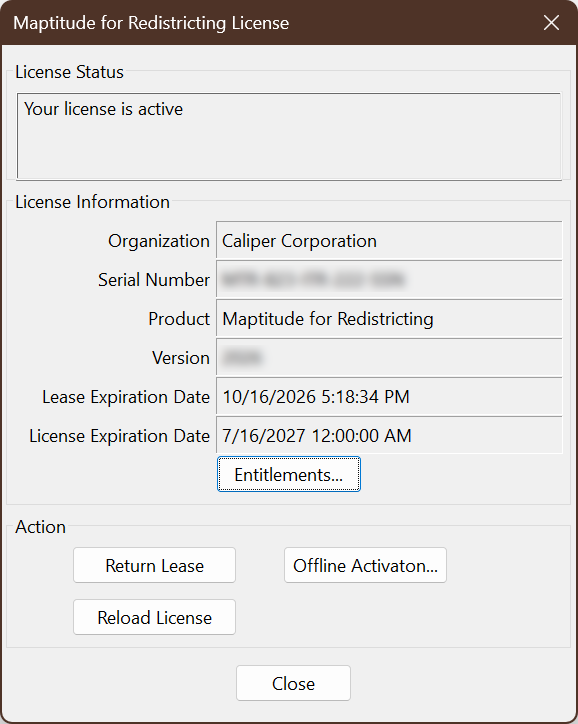
- If you are getting an expired license message after renewing your license, reload your license by going to Help > Manage License > Reload License.
Older Versions of Maptitude for Redistricting
- If the Activation Wizard is not opened automatically, find and run the Activation Wizard for Maptitude for Redistricting program from the Start menu.
- Choose the option I want to activate the software. Click Next>.
- NOTE: On some older versions of Maptitude for Redistricting, this option may be called Request Activation Code from Caliper or Activate Maptitude for Redistricting (most common)
- NOTE: On some older versions of Maptitude for Redistricting, this option may be called Request Activation Code from Caliper or Activate Maptitude for Redistricting (most common)
- Fill in your information, including the Serial Number you were provided when you received the software. The Serial Number is 15 numbers and letters separated by dashes, in the format MTR-000-XXX-111-YYY.
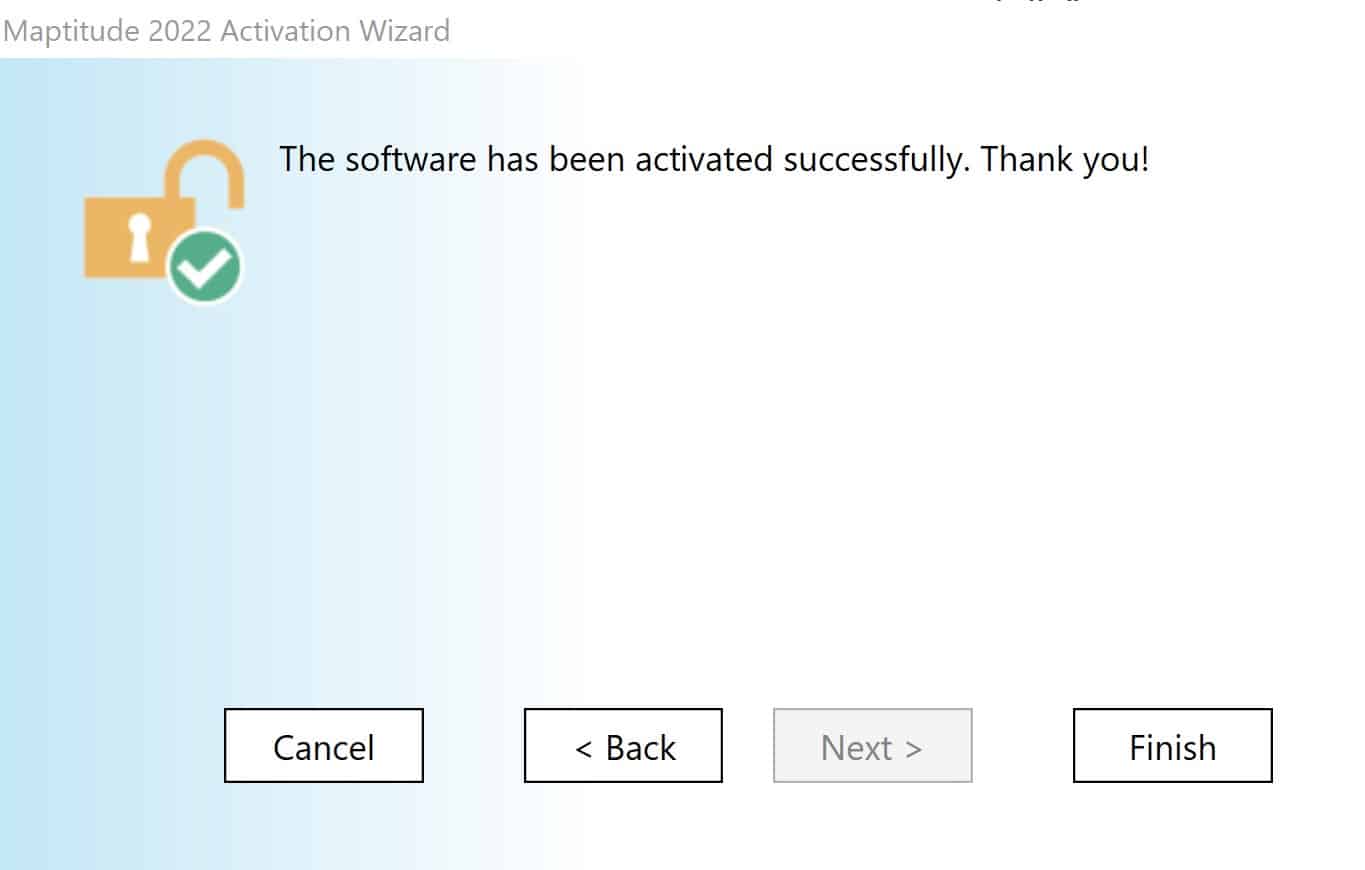
This should result in the Wizard obtaining and applying a new “activation code” (not the same as your “serial number”) from the Maptitude for Redistricting license server.
See the following for Common Activation Issues and Solutions
Note: If you see a message that says your computer is not connected to the internet, this indicates that something, most often your network firewall, is preventing a direct connection to our servers. See Activating Your Maptitude for Redistricting License Manually for steps on how to do this.