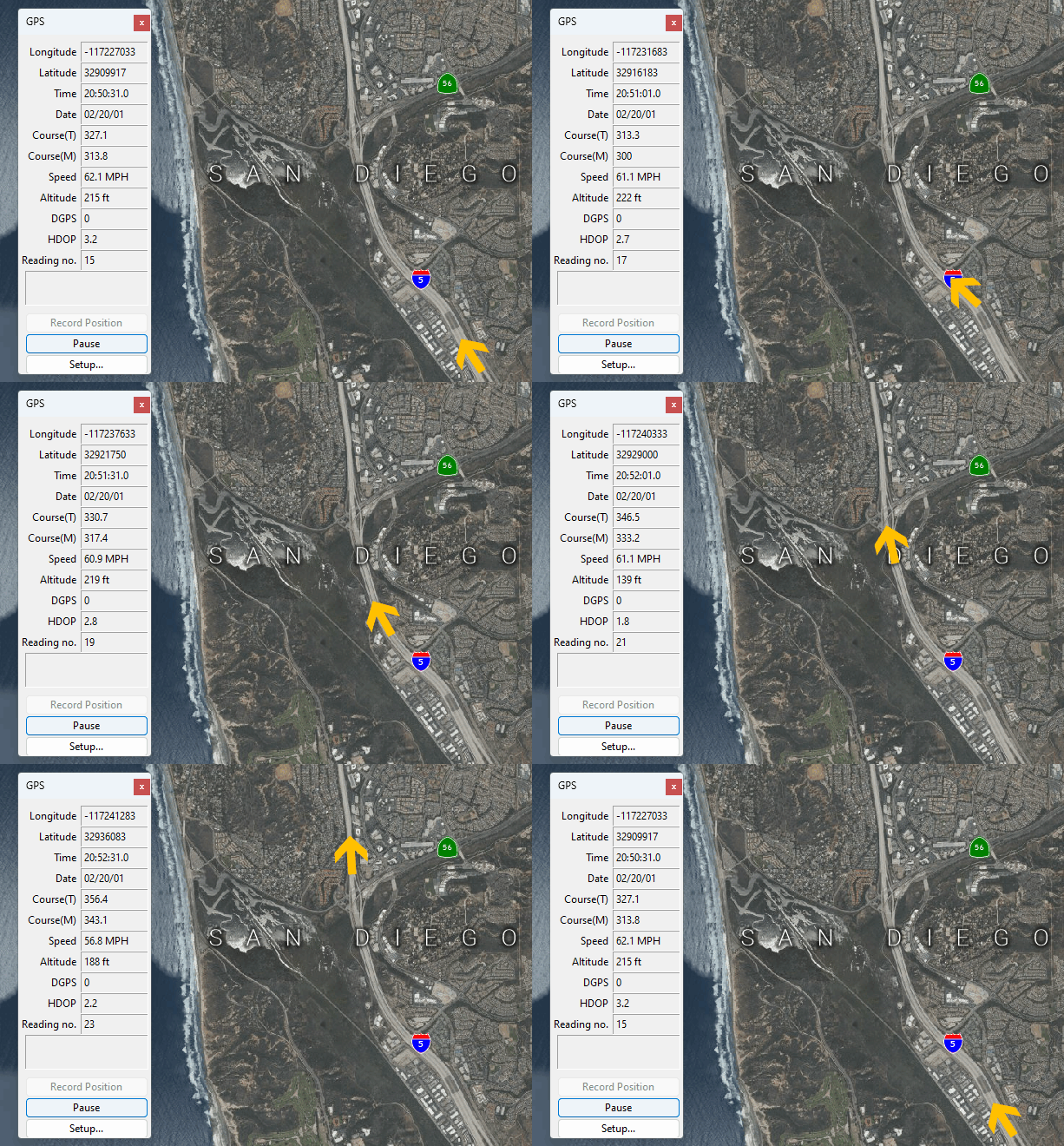
With Maptitude map software and a GPS receiver you can:
For example, salespeople who travel can mark the location of customers as they visit them, and line workers for the telephone company can mark the location of telephone poles as they find them.
| Highlights |
|---|
|
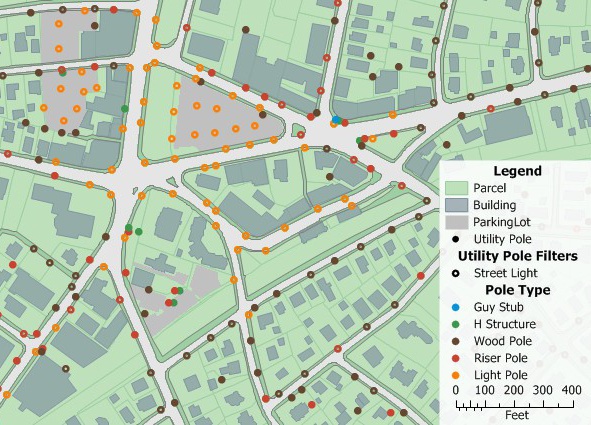
Use GPS mapping to create geographic files on a Maptitude map.
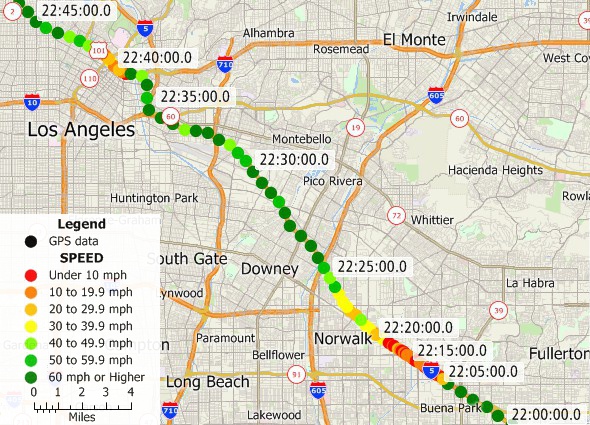
Track locations and display your location with Maptitude GPS mapping software.
Maptitude allows you to:
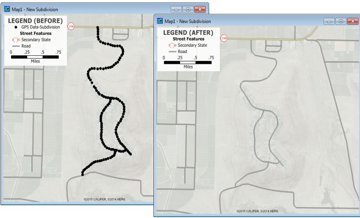
Additionally, Maptitude can create lines from groups of points created with a GPS receiver, allowing you to create street maps, walking paths, trail maps, and utility lines from point data collected in the field.
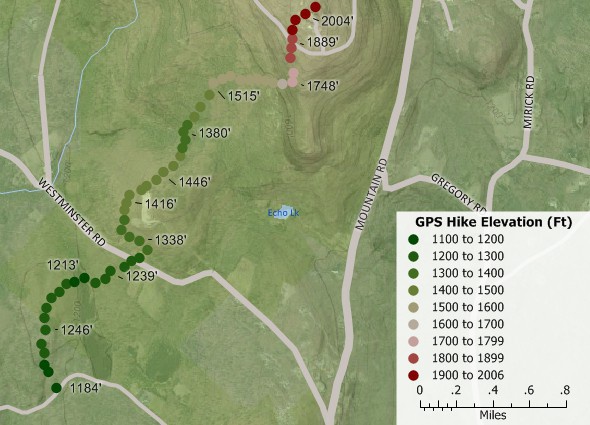
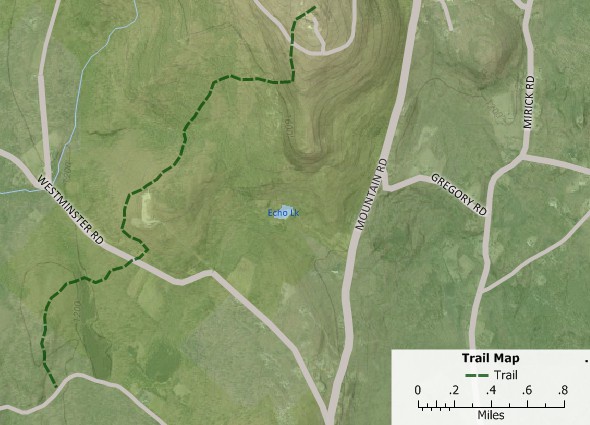
Add images for reference and view in two- or three-dimensional topo map. Create new lines from point data recorded with a GPS to map hiking trails, new subdivisions, utilities, and more.
“With GPS and mapping software like Maptitude, you can embark on geographic projects once left to professionals. For example, a salesperson can mark the locations of customers visited, a developer can map the boundaries of a new subdivision, and an electrician can trace lines for miles. Once data has been collected in the computer, all sorts of measurements and predictions are possible.”
Damian Joseph
Bloomburg Business

An example web site showing live GPS tracking using Maptitude for the Web is discussed in this report prepared by Bridgewater State College.
In summary, the Maptitude GPS support includes the ability to read/animate/import GPS data, overlay tracks with aerial photos and topographic or vector maps, track real time GPS locations, create vector line/point layers from GPS playback files, and import/export GPS map formats such as GPX (the GPS Exchange Format) and GDB (the Garmin MapSource format). Once exported, you will be able to use your GPS software to perform GPS navigation between your locations.

 Check out our G2 Reviews

Home | Products | Contact | Secure Store
 Call Us

