|
 Call Us: 617-527-4700 Call Us: 617-527-4700 |

|
|
|
|
With TransCAD, you can create high-quality map output using dozens of thematic mapping styles and options, unlimited colors, and fully-scalable line styles and TrueType map symbols. With a few clicks of the mouse, MapWizard® automatic mapping technology helps you create color and pattern coded maps, dot-density maps, scaled-symbol maps, and maps with integrated pie charts and bar charts. TransCAD also provides specialized mapping functions for transportation applications:
Additional tools let you visualize data that cannot be displayed using a conventional GIS:
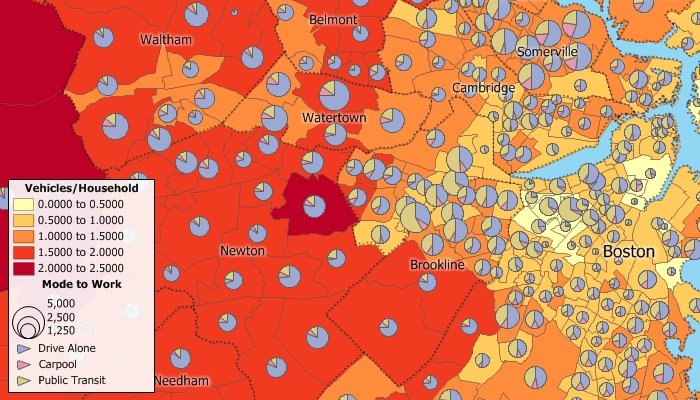
Create color, pattern, chart, dot-density, and scaled-symbol thematic maps
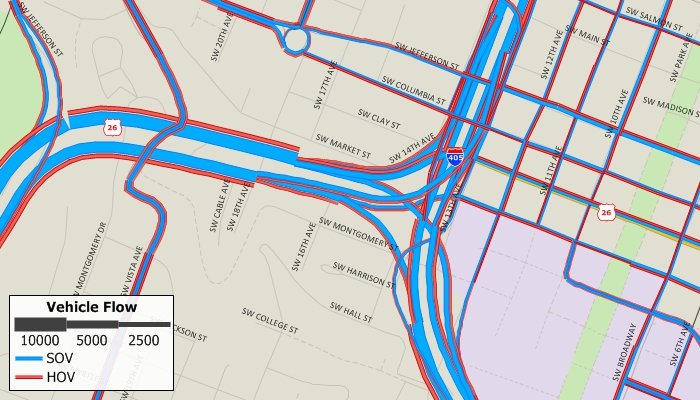
Create multi-variable scaled-symbol themes on links
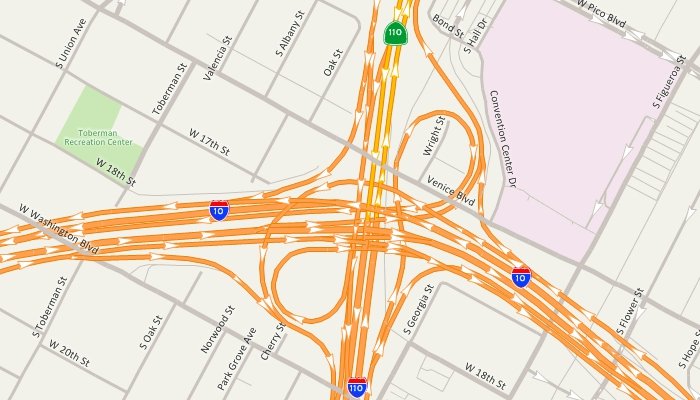
Display one-way streets and use dozens of line styles and highway shields
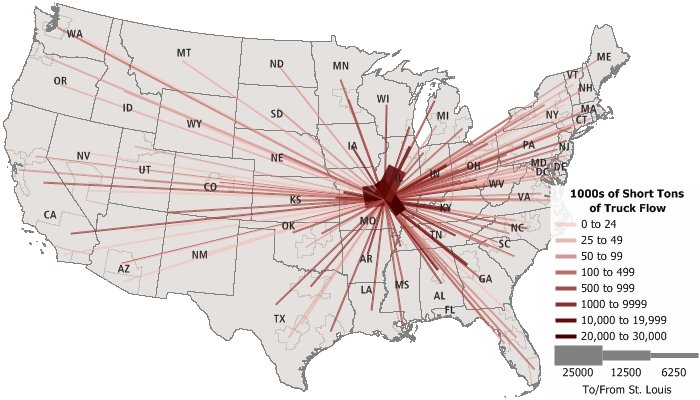
Use desire lines to illustrate O-D flows, commodity flows, and other matrix data
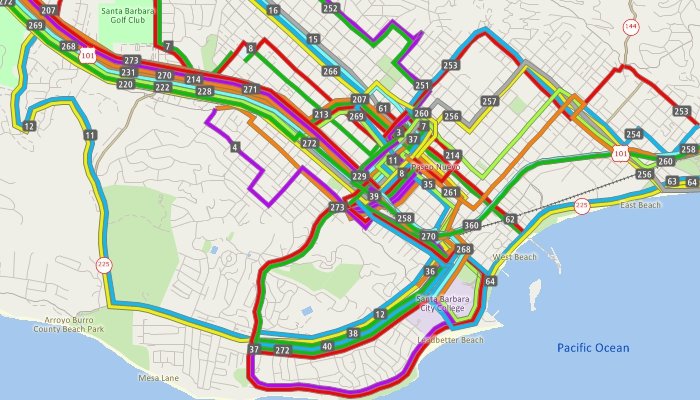
Display transit routes side-by-side over the links that they traverse
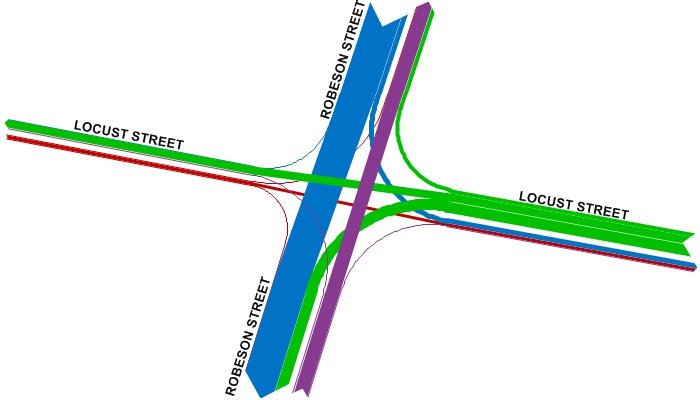
Show turning movement data with intersection diagrams
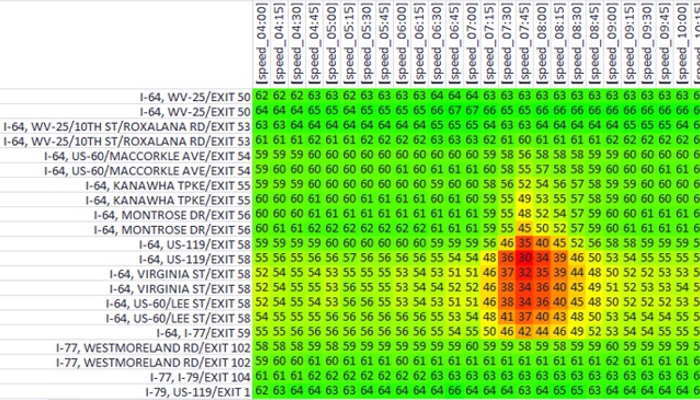
Visualize temporal speeds along a corridor
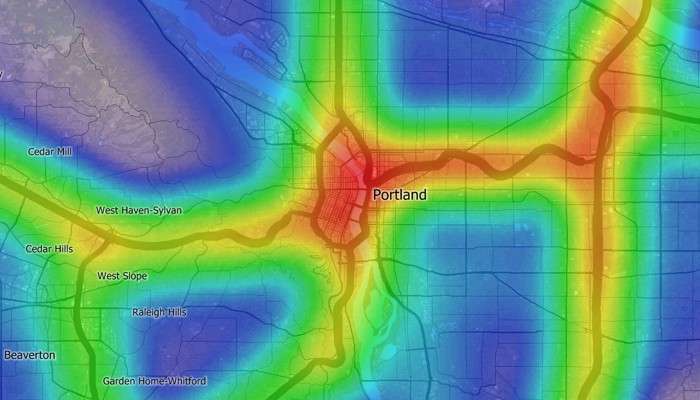
Create heat maps to identify hot spots and underserved locations
Tables: You can see the data associated with map features in tabular form. See data for a single feature, or display data for an entire layer in a dataview. You can use dataviews to add and delete records, filter records, edit values, create formula fields, or compute statistics.
Output: Page layout tools help you design and create presentations that combine the results of your analyses into a single powerful display. You can print your maps and layouts on any printer or plotter, or save them to vector or raster formats.