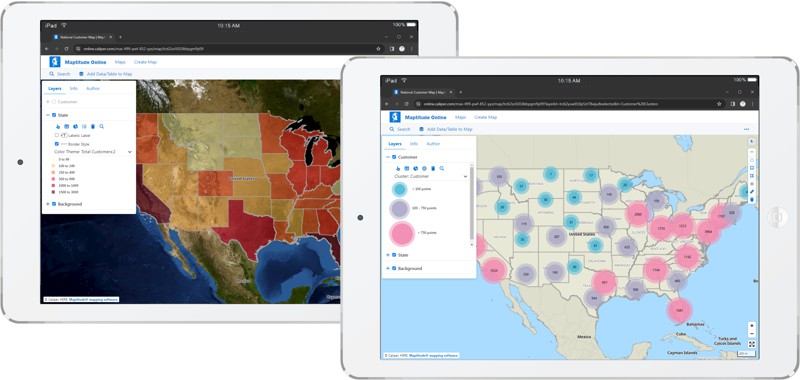
Cloud-based Web Mapping and GIS Designed for Business — Share and modify interactive maps with ease, privately or publicly, while leveraging advanced tools for geocoding, thematic visualizations, demographic reports, and more, all without needing Maptitude desktop mapping software.
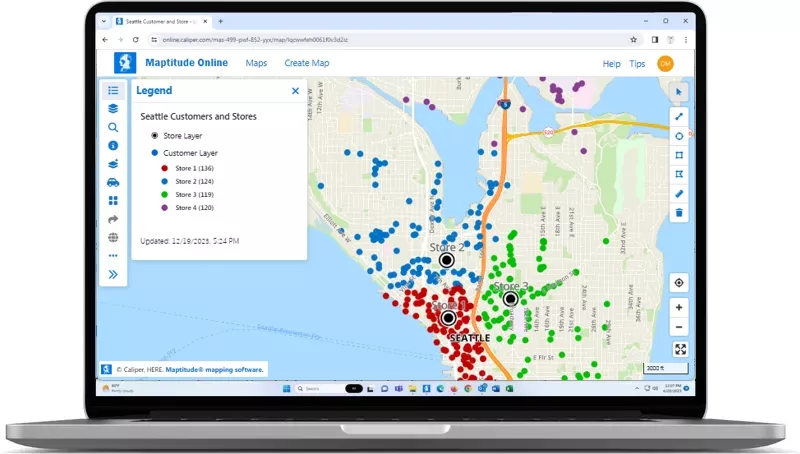
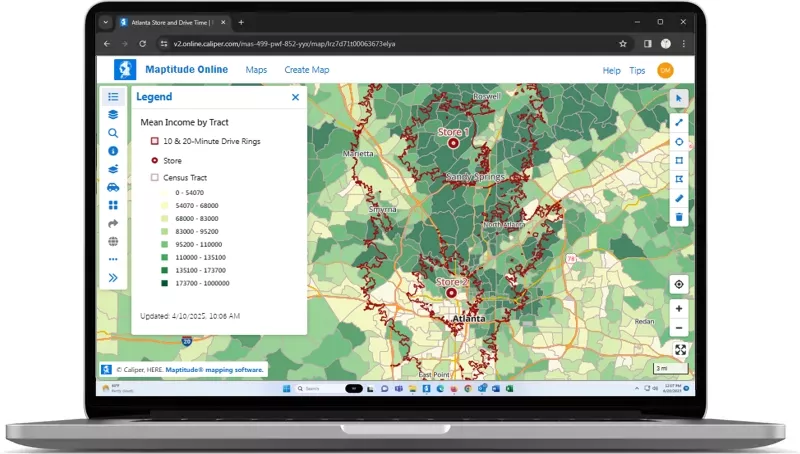
Transform complex data into clear insights through the intuitive power of cloud-based mapping. Maptitude Online allows you to fully customize maps and to visualize information – affordably, and with robust security and ease of use.
Free Trial Request a Demo Sign In Subscribe
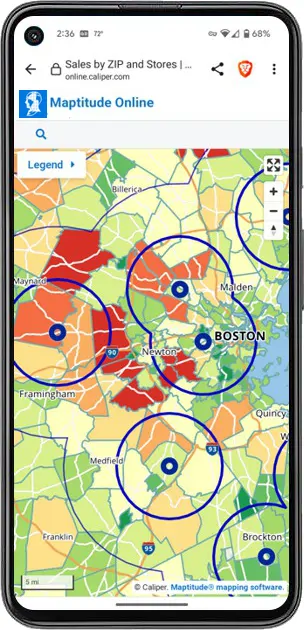
Maptitude is Online GIS Software that brings the capabilities of geographic information systems (GIS) to interactive maps on the internet. Maptitude has been refined over decades to be a precision tool for business development professionals. With Maptitude Online you are truly accessing GIS as a Software as a Service (SaaS). Maptitude Online combines the powerful functionality of Maptitude with Amazon Web Services and Maplibre GL JS, providing a seamless, secure, and reliable mapping experience.
Mapping stands out as the most intuitive way to visualize, understand, and share location-based data. While many services claim to offer a full suite of mapping tools, none come close to the proven track record of Maptitude features developed for the business community over many years. Other free and commercial applications simply lack the extensive capabilities and data needed to perform useful geographic analysis.
Maptitude Online, a powerful cloud-based application, is an online mapping software designed to solve the location-based issues faced by most organizations. With sophisticated mapping tools, extensive demographic and geographic data, and flexible customization options, Maptitude is the best choice in online mapping software for businesses.
Maptitude Online is the leading online mapping software designed for business users who need fast, accurate, and visually powerful geographic insights. With an intuitive, wizard-driven interface, you’ll be building professional maps just minutes after uploading your data.
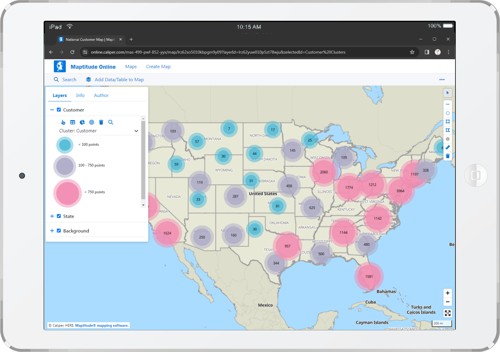
Turn spreadsheets into clear, interactive maps that tell a compelling story.
Make maps work across your team and your organization.
Powerful spatial analysis tools to uncover business insights.
Use geographic analysis to make smarter strategic decisions.
Maptitude Online fits into your ecosystem and reflects your brand identity.

|
“Great product for the money. It is a very easy product to use and the online function makes it easy to share with clients.”
|

|
“The software is very easy to use and can do a lot of analysis. It has helped me a lot with making strategic decisions for my analysis.” Rima Idir |

|
“If you are looking to expand a retail business with new locations, do not try doing it without using Maptitude. Among other things, Maptitude allows you to evaluate potential locations anywhere in the U.S. (also internationally) and examine the demographic profile of customers based on location parameters that you set. In addition, it allows you to map competitor locations and other locations that may be pertinent to your analysis. Basically, it takes the guesswork out of selecting a business location.” Andre Barber |

|
“Amazing product at a great value with even better customer service! The benefits have been providing invaluable insight to upper management regarding what kinds of opportunities are out there and consequently, giving the company a chance to grow via acquisitions. Moreover, the additional features within Maptitude allow you to identify new areas of growth or new markets to enter given the plethora of demographic data it has embedded within the software.”
Raymond Kwock |
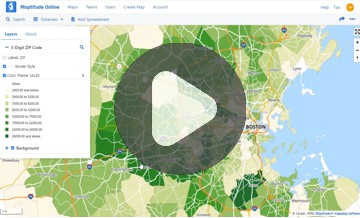
This interactive map lets you see the median income for U.S. ZIP Codes and proximity to major U.S. airports.
How Organizations Use Maptitude Online Mapping Software for Success
Maptitude Online brings core GIS capabilities to your browser without requiring software installation. While desktop Maptitude offers deeper geoprocessing, scripting, and advanced analysis tools, Maptitude Online is ideal for sharing maps, visualizing data, creating territories, and generating reports—all in a collaborative online environment. It's perfect for teams who need access to online maps without the full capabilities of desktop Maptitude.
You can import Excel (.xlsx, .xls), CSV (.csv), and text (.txt) files with location data such as addresses, ZIP Codes, or cities. Data can be uploaded directly through the browser or pasted in. You can also connect to maps uploaded from the desktop version.
Yes. While Maptitude Online doesn’t offer built-in plug-ins for CRMs, it supports data import/export via Excel and CSV, making it easy to exchange data between your mapping and business systems. You can also automate updates with Maptitude desktop using GISDK scripting or APIs and upload those results for team access.
Maptitude Online is hosted on Amazon Web Services (AWS), leveraging secure infrastructure and encryption for data in transit and at rest. User access is controlled with login credentials, and map visibility settings allow you to choose between private and public sharing. Administrators can manage user permissions to restrict data access.
Single Sign-On (SSO) is also supported (contact for pricing), with support for SAML 2.0 and integration with Azure AD, Okta, and Google, enabling secure and seamless authentication using your organization's identity provider.
Experience everything Maptitude Online has to offer with no commitment required. Click below to get started with a free trial and see firsthand how Maptitude can enhance your business operations!

 Check out our G2 Reviews
Home | Products | Contact | Secure Store
 Call Us