17 November 2026
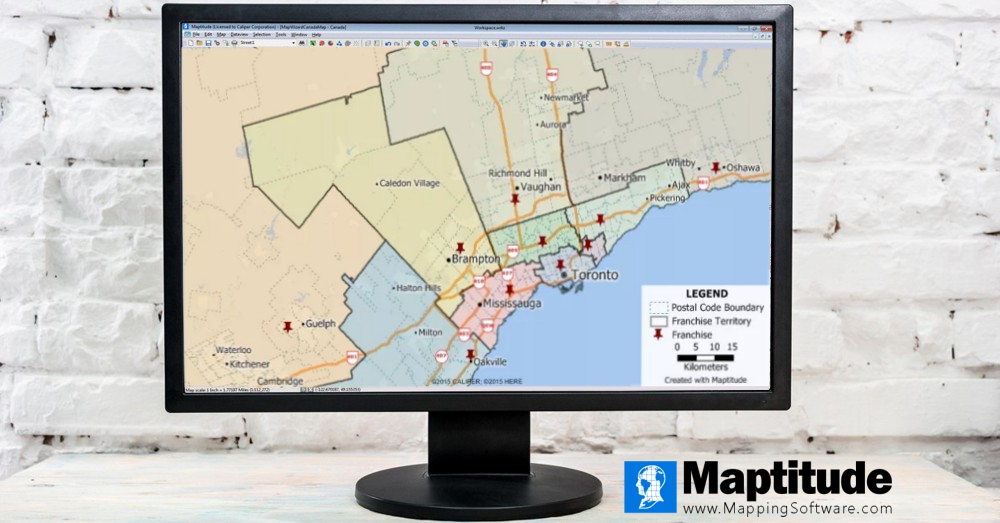
Maptitude sales territory mapping software helps teams build, balance, and share territories from postal codes or their own areas.
Rated 4.7 out of 5 from 150 reviews on G2 • Used by 70% of Fortune 50 companies
In this article:
Maptitude Sales Territory Mapping Software Features
Benefits of using Maptitude for sales territory mapping
Success Stories: How Organisations Optimise Sales Territories with Maptitude
How to use Maptitude for sales territory mapping
Already Use Salesforce or HubSpot?
Tips for using Maptitude to get the most out of your sales territory mapping experience
Create custom sales territories based on key business metrics
Maptitude Sales Territory Management Tools
Maptitude includes a wide range of features that make it ideal for sales territory mapping, including:
Customer results:
Choosing the right sales territory mapping software can be challenging. Maptitude is the go-to solution for organizations looking to streamline territory management, boost sales performance, and make data-driven decisions. Here's what our satisfied users have to say:
 |
“I found Maptitude when we wanted to replace our old territory optimiser software (Tactician One). Maptitude has more tools, it is more user friendly, has support, tutorials, someone to talk when we need help. The only thing for me is the time to process some tasks but at the general the software is very strong and powerful, I'm very happy.”
|
 |
“Mapping beyond my expectations. What do I like best? The number of tools to present and manage territories and data.”
|
 |
“Tried Maptitude out looking for a simple mapping software, and got so much more. Definitely worth the purchase. The support team is above par and are always available for any question.”
|
 |
“Maptitude has all kinds of nice features. Routing and drive-time radius are by far the greatest.”
|
 |
“The support team is fantastic and always quick to respond. Thank you! Also the new features in the Maptitude program make my job easier! Thanks!! Favorite aspect of this product? Ease of use as well as being able to find out specific info within my drive rings. This is a great product that I have had to learn to use, with no training which has been fairly easy.”
|
 |
“Powerful, well thought out, intelligently crafted, efficient, cost effective. Having worked with a few different GIS packages in the past, I'm impressed to note Maptitude is a comprehensive blend of best features that are more than likely to meet the needs of most users.”
|
 |
“[Maptitude is] perfect for creating territories. The basics of the program are easy to use. There are a lot of features, and everything is available at once. The customer support has been very fast and very thorough, helping with all issues I have run into and explaining how to find more advanced tools. Installation was easy and fast.”
|
 |
“I have used Maptitude to expose undergraduate and graduate students to the power of GIS. The built in data and map layers allow the students easily perform advanced spatial analysis and data visualization with a minimal amount of training. The automated trade areas provide for advanced network analysis that can be fed into AI systems to provide a new dimension which have improved predictions. I would recommend this software to any company looking to bring spatial analysis capabilities to their organisation. The minimal cost is well worth it.”
|
Most sales teams keep their accounts in a CRM. You can design and balance territories in Maptitude and keep using your CRM as it is.
Maptitude also opens Excel, Access, SQL Server, Oracle, PostgreSQL, and SQLite tables directly, including CRM and ERP databases that run on them, and it reaches other databases through ODBC.
Reps do not need Maptitude to see the result. Share territories as PDF maps, Excel lists, or Maptitude Online web maps, so only the people who design territories need a license.
The Maptitude Territory Wizards make it easy to create sales territories that are tailored to your specific needs. You can consider a variety of factors when designing your territories, such as:
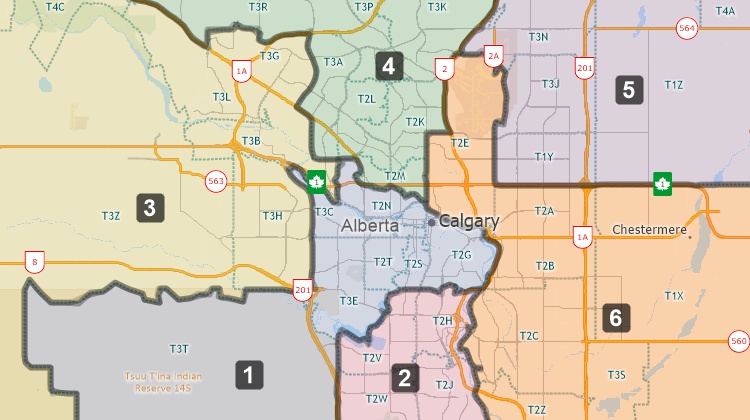
You can create territories that are based on geographic boundaries. Use Maptitude to create sales territories out of postal codes, Census divisions, provinces, or any other type of area, to calculate the demographic characteristics of your custom territories, and to attach your own data to them.
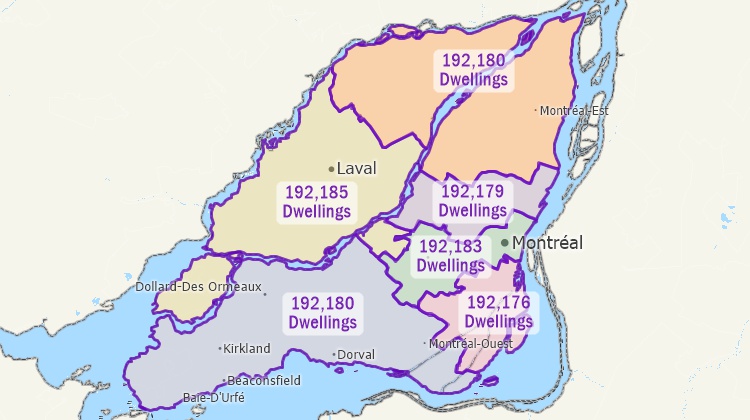
You can create territories that are based on demographic data, such as population, households, income levels, or age distribution, or any of the variables that are included with the sales territory mapping software.
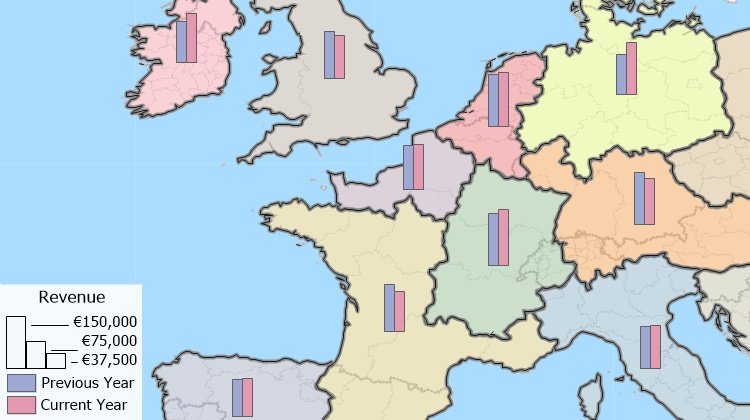
You can create sales territories that are based on your historical revenue data or any of your own business key performance indicators. This can help you to ensure that your territories are equal and that your sales teams are focusing on the most profitable areas.
You can create territories that are based on your customer locations. Maptitude provides unlimited geocoding of addresses, ensuring that your sales, delivery, and marketing teams can reach all your customers efficiently.
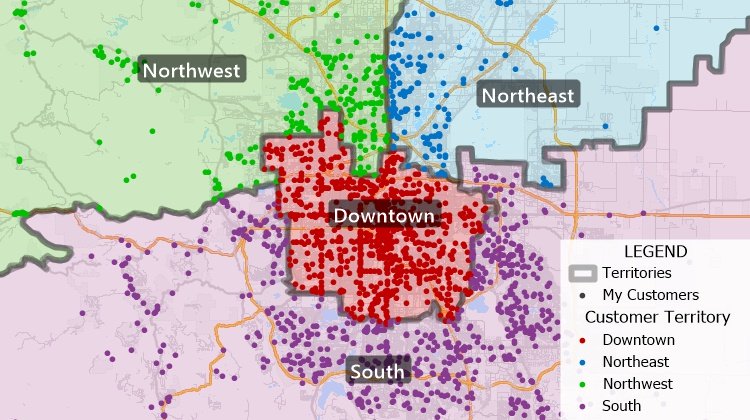
Maptitude is easy to use and helps you to create and track optimised sales territories. Some of the key features of Maptitude include:
Whatever your needs, from basic to complex, the Maptitude toolkit will help you to achieve your territory planning sales goals.
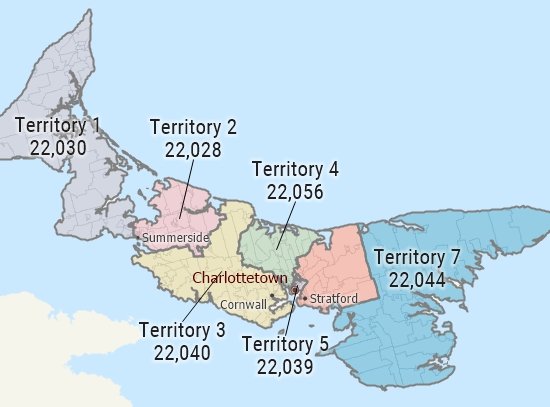
Use Maptitude sales territory management software to automatically create balanced territories from groups of features
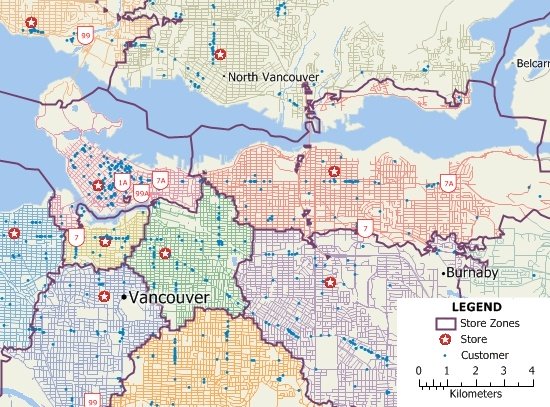
Maptitude includes a territory mapping tool for creating street-based territories. This map shows the shortest travel time zones to various store locations
G2's 2026 guide to GIS software names Maptitude the best solution for territory mapping and demographic analysis (news release). G2 has named Maptitude a Leader in GIS in 27 reports since 2018.
Comparing tools? See the Sales Territory Mapping Software Compared blog article.
Creating territories interactively with Maptitude
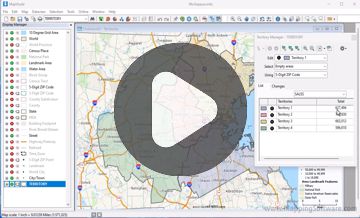
Creating territories from a table with Maptitude
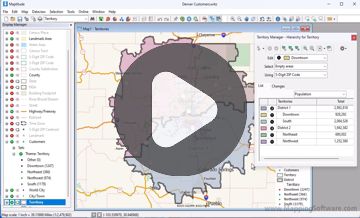
Creating territories from a layer with Maptitude
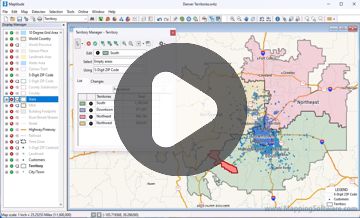
Modifying territories with the Territory Manager
Yes. You can build any number of levels in a single map. A structure like Rep → District Manager → Regional Director → VP is four levels, and Maptitude handles that and deeper. Each level is a parent-child relationship in the map, so no manual data workaround is needed.
Yes, child territories nest inside the parent territory. Levels stay geographically consistent as you edit, because Maptitude maintains the topology between them with Active Topology™. You set the assignment rules yourself, including whether territories at a level may overlap or must be non-overlapping.
No. Territories are unlimited and there is no per-territory fee.
Yes. The Territory Manager supports auto-balancing and tracking multiple running totals, such as population, households, or revenue, and reports how far each territory is from its target as you build.
Yes. The full hierarchy path appears in a tooltip while you edit.
Yes, through your CRM's export and import. Export your accounts to Excel or CSV, build and balance territories in Maptitude, then export the FSA or postcode assignments to Excel and load them into your CRM. Maptitude can also read CRM databases directly when they run on SQL Server, Oracle, or PostgreSQL, and reach others through ODBC. Only the people who design territories need a Maptitude license.
Sales territory mapping software helps businesses create, manage, and balance sales territories on a map. Common features are building territories from postal codes or blocks, balancing them by revenue or population, multi-level hierarchies, and sharing maps with reps.
Yes. Group postal codes, counties, states, provinces, or any other areas into territories, by clicking on the map or from a table of assignments. Maptitude totals the demographics and your own data for each territory.
Yes. Set a target, such as equal population or revenue, and the Territory Manager balances the territories for you. Change any area by hand afterward. The Simulated Territories add-in (2026 beta) simulates thousands of plans to find compact, well-balanced ones.
Every license includes a Country Package of maps and data at no extra charge. See the included data.
No. Share territories as PDF maps, Excel lists, or Maptitude Online web maps.
Yes. The free trial lasts 30 days, has every feature, and needs no credit card.
Maptitude desktop is available with or without an annual subscription. See pricing for the current options.
Maptitude desktop runs on Windows, including Windows on a Mac under virtualization software such as VMware Fusion or Parallels Desktop. Maptitude Online runs in a Mac browser with no Windows needed.
Learn more about Maptitude to see how you and your team can benefit from sales territory mapping software!

 Check out our G2 Reviews


Home | Products | Contact | Secure Store
 Call Us


