Rename Your Selection Sets
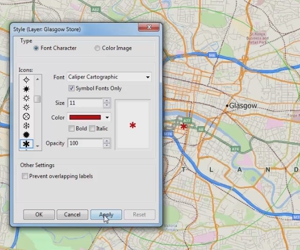
You can display the Rename Selection Set dialog box by right-clicking on a selection set in the Display Manager and choosing Rename.
Maptitude Learning Portal articles tagged with Customize
You can display the Rename Selection Set dialog box by right-clicking on a selection set in the Display Manager and choosing Rename.
You can add tools to let you navigate through selection sets or keep running totals for a certain field of a selection set by clicking Options in the Selection Toolbar and checking the appropriate boxes.
You can change the default style used by the drawing tools by choosing Edit>Preferences and clicking the polygon, line, or point sample buttons on the Freehand/Layout tab.
Maptitude Webinar: New Features in Maptitude 2019
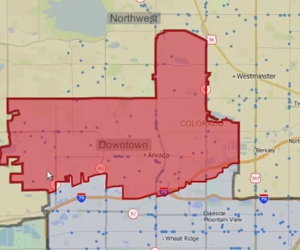
Using the Maptitude Territory Manager to create and modify territories in a territory layer
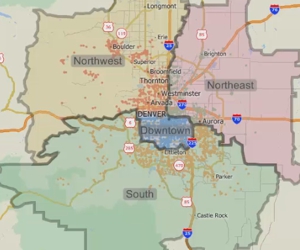
Using the Maptitude Territory Wizard to create and modify a territory layer
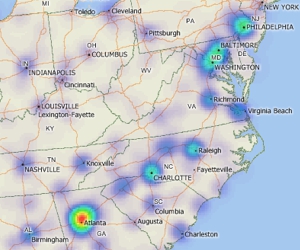
Using a density grid based on features in a point layer
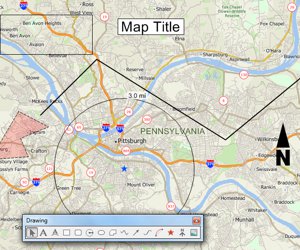
An introduction to using the tools on the Drawing toolbar for embellishing a map and performing basic analysis