Working with Labels on Maptitude Maps
Modifying layer, feature display, and individual labels in a map
Maptitude Learning Portal articles tagged with Display
Modifying layer, feature display, and individual labels in a map
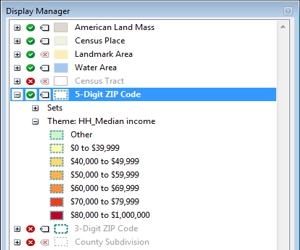
How to change the contents, styles, and labels in a map with the Display Manager
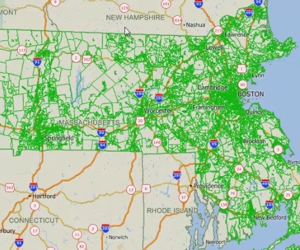
Using files stored in other geographic file formats (e.g., Esri Shapefile, Google Earth KMZ file) in Maptitude
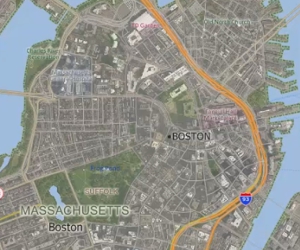
How to add images to a map and access online image resources
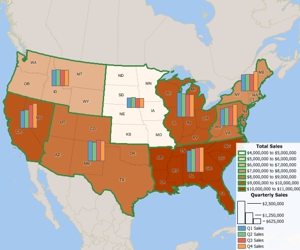
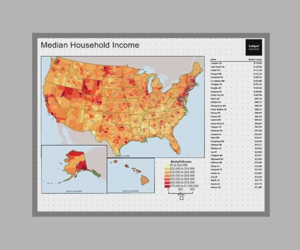
Using the MapWizard® tools to create color/heat themes, chart themes, dot-density themes, 3D themes, and scaled-symbol size themes, pattern and multiple symbol themes, and bubble theme maps.
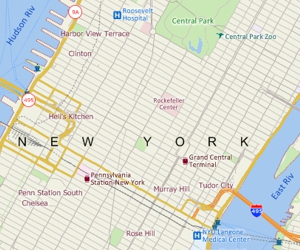
Creating a general purpose map with Maptitude using Create-a-Map Wizard™ or the Map Librarian
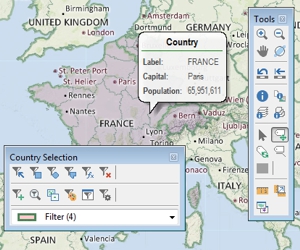
An introduction to basic Maptitude concepts including toolbars, help, shortcuts, context-sensitive menus, the working layer, and workspaces