
How do I use the Facility Location tool if I don’t have Candidate Facilities?
How to use the Facility Location tool in Maptitude when you do not have any Candidate Facilities to choose from
Maptitude Learning Portal articles tagged with Geographic Analysis
How to use the Facility Location tool in Maptitude when you do not have any Candidate Facilities to choose from
You can visualize time series data, such as population projections, using Maptitude data visualization software. Three commons ways to visualize time series data in a Maptitude map.
You can find the central location for a set of locations or areas using Maptitude geographic analysis mapping software. Step-by-step tutorial on fidning the geographic center, mean center or weighted center for your layer.
You can import MapPoint Territory Layers with Maptitude, an alternative to MapPoint. A step-by-step tutorial on creating territories using MapPoint territory layers.
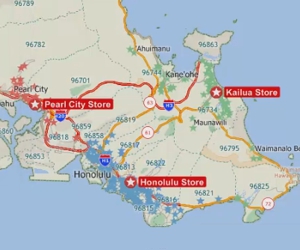
How to tag features in a layer with data from nearby features in another layer
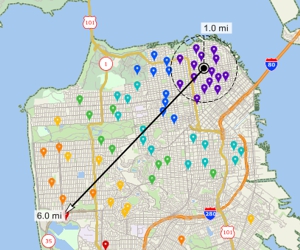
Using the measuring tools to find distance or area, and determining the proximity of map features
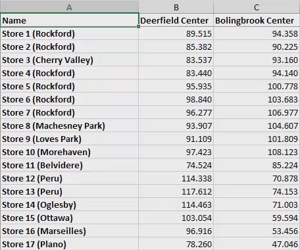
A walkthrough of creating travel-time and distance matrices and tables to find distances and times between groups of locations
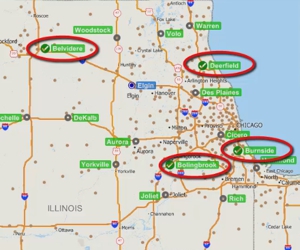
Finding the best location for one or more facilities from a set of possible locations
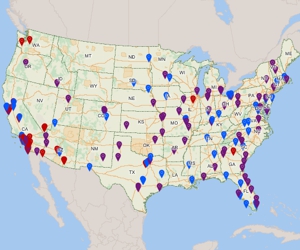
Locating (geocoding) your data on a map automatically with the Locate commands or by manually pointing on a map
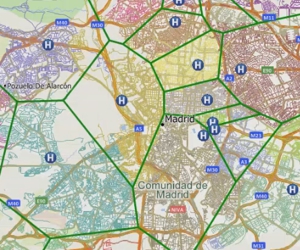
Creating catchment areas based on proximity to features in a point layer based on straight-line distance or driving-distance.