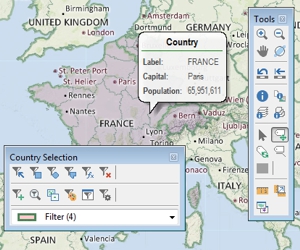
Change the size of all labels in the map
Press Ctrl+ on your keyboard to make all labels and point symbols larger and all lines and area borders wider, or press Ctrl- to make them smaller. Press Ctrl 0 to reset the sizes to the default.
Maptitude Learning Portal articles tagged with Label
Press Ctrl+ on your keyboard to make all labels and point symbols larger and all lines and area borders wider, or press Ctrl- to make them smaller. Press Ctrl 0 to reset the sizes to the default.
You can show your territory data as labels with Maptitude sales territory mapping software. Step-by-step guide on showing territory data as labels.
When you move a label with the Customize Labels tool it will snap to align with other moved labels. Press the Space Bar while moving a label to turn off this behavior.
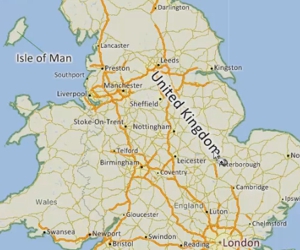
Modifying layer, feature display, and individual labels in a map
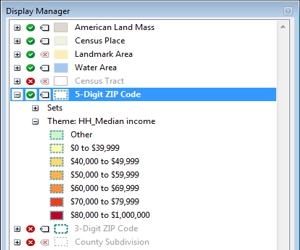
How to change the contents, styles, and labels in a map with the Display Manager