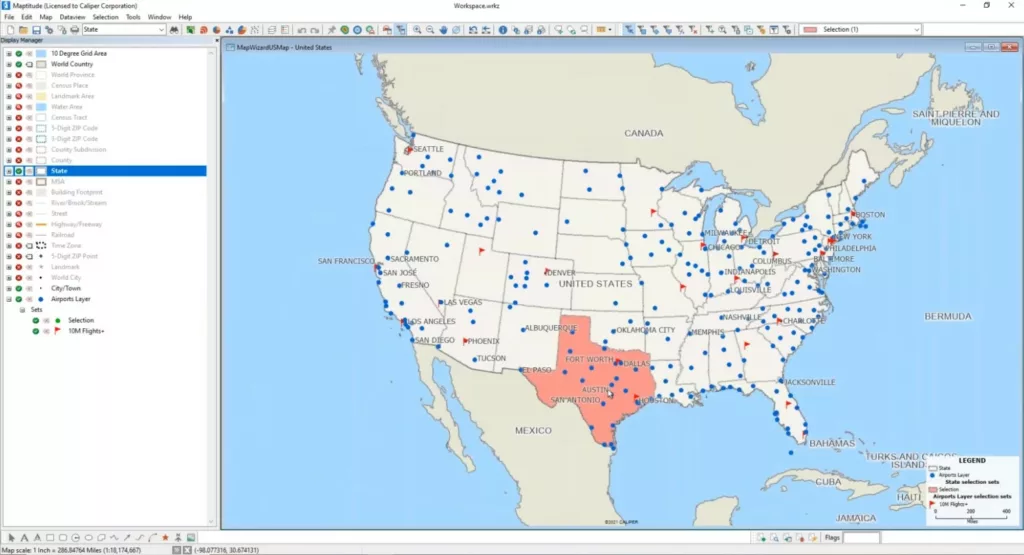
How can I create a customized version of the healthcare layers?
How to filter the healthcare data to just the locations you are interested in and then create your own layer from this filtered list
Maptitude Learning Portal articles tagged with Selection Set
How to filter the healthcare data to just the locations you are interested in and then create your own layer from this filtered list
How to save the table of a selection set to Excel
Making a selection set on a layer that conatins only dates in a given range
You can show multiple routes on the same map using Maptitude route mapping software. Step-by-step tutorial on showing multiple routes on the same map.
To change the style of the active selection set, click the Change the style for this selection set button on the Selection toolbar.
You can delete a selection set by right-clicking on a selection set in the Display Manager and choosing Remove.
You can display the Rename Selection Set dialog box by right-clicking on a selection set in the Display Manager and choosing Rename.
You can add tools to let you navigate through selection sets or keep running totals for a certain field of a selection set by clicking Options in the Selection Toolbar and checking the appropriate boxes.
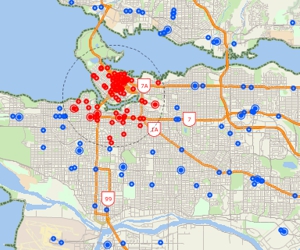
Using the selection tools, selecting features by location or condition, combining selection sets, and computing statistics