
As we improve the Maptitude software, new “builds” of the software are released with incremental improvements. You can see which build of the software you are using by going to Help>About… from the main toolbar.
For details on what has changed in the latest version, see the new features page and the Maptitude 2026 PDF.
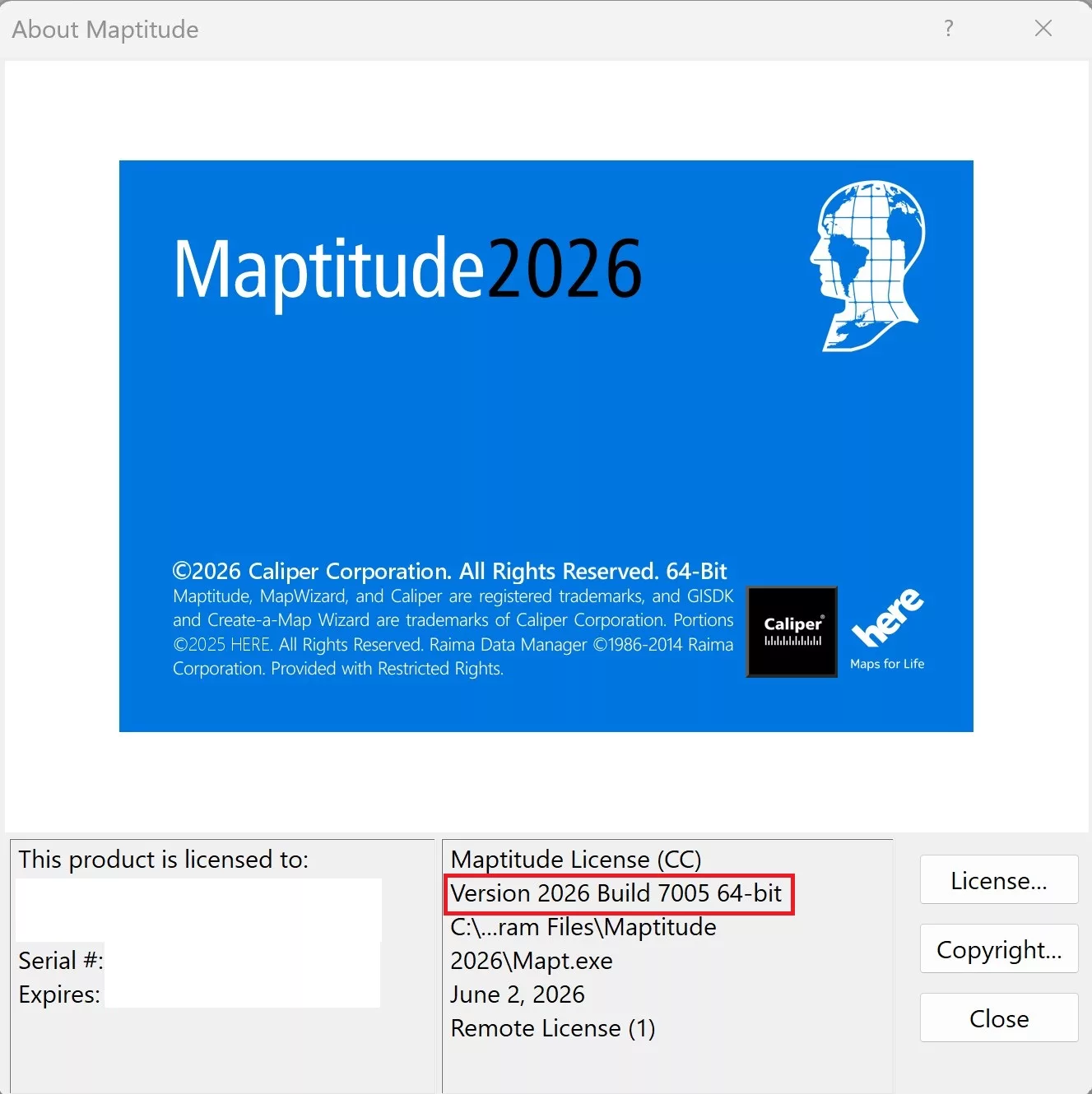
If you have Maptitude 2026, you can get the latest version of Maptitude 2026 by going to Help>Check for Updates and clicking on the link.
Below are the release notes for the different builds of Maptitude:
| Build # | Ship Date | Release Notes |
| 7015 | 8/26/2026 | Improved field detection and handling of linked records |
| Added an “Open File Location” button to the Layer Manager | ||
| The adjustable limits for routing and other tools have been replaced with warning messages | ||
| Various improvements to the layout and behavior of toolbars | ||
| Improved handling of Canadian data in the territory tool | ||
| Improved speed when changing overlay settings | ||
| Standard Windows fonts are now included in font lists by default | ||
| 7010 | 7/7/2026 | Creating a theme now automatically adds hover fields for the theme values |
| Improved speed when working with a large number of territories | ||
| Selection tools can be moved to a floating toolbar | ||
| Improved behavior of linked records with territories | ||
| 7005 | 6/11/2026 | Workspace windows now open in the location they were left |
| Updated the default color of selection sets to be visually distinct from new layers | ||
| 7000 | 6/1/2026 | Initial Release |