
Last Updated: March 5, 2025
In Maptitude 2019 we updated our help documentation and condensed both the User Guide PDF and searchable Help into a more easily accessible Maptitude Help. This Maptitude Help is in HTML5 format, which has several advantages:
- It is more easily searchable
- You can share links to help pages with colleagues
- The formatting of the articles is cleaner and more appropriate for printing
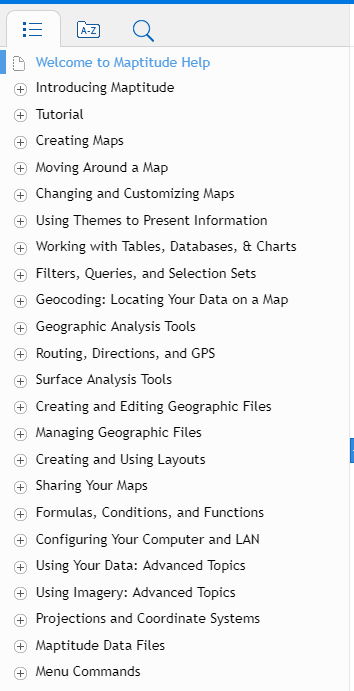
- Go to Help>Maptitude Help
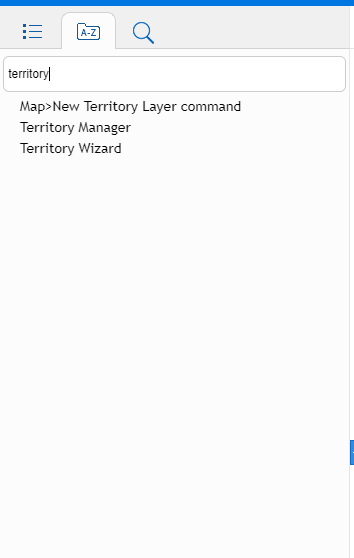
 You can search the Index for a specific topic. The search will then display all articles that contain/discuss that topic:
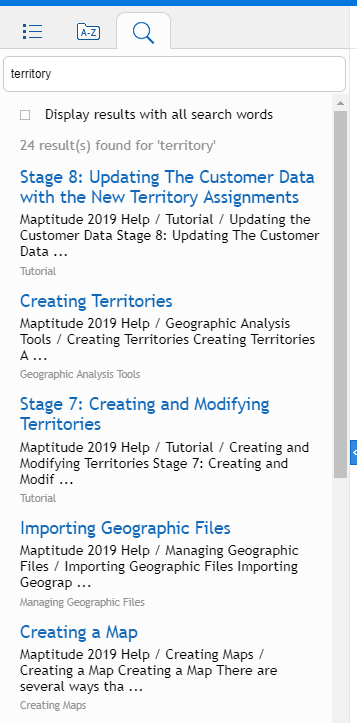
  You can use the Search tool to find articles that contain a specific keyword
  To print a page from the Maptitude Help Printing from the Maptitude Help is the same process as printing any web page so will be dependent on your web browser. For example, in Google Chrome, you can press Ctrl+P to print. To share a link to the Maptitude Help You can share a link with any other user who has Maptitude installed. Simply copy and paste the URL from your web browser and you can email the other user this link. An example link looks like this: file:///C:/Program%20Files/Maptitude%202019/Help/Maptitude/maptitude.htm#t=Main%2FIDH_Contents.htm To get to the Maptitude Help from a link shared with you You can copy and paste a link to the Maptitude Help by opening a web browser of your choice and pasting the link in the URL bar. Try it with the one above.