
Change the Default Style of the Drawing Tools
You can change the default style used by the drawing tools by choosing Edit>Preferences and clicking the polygon, line, or point sample buttons on the Freehand/Layout tab.
Maptitude Learning Portal articles tagged with Beginner
You can change the default style used by the drawing tools by choosing Edit>Preferences and clicking the polygon, line, or point sample buttons on the Freehand/Layout tab.
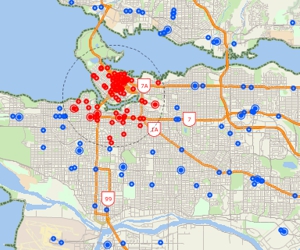
Using the selection tools, selecting features by location or condition, combining selection sets, and computing statistics
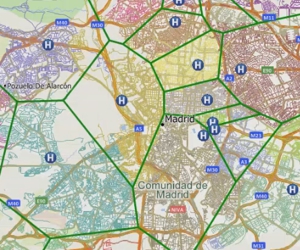
Creating catchment areas based on proximity to features in a point layer based on straight-line distance or driving-distance.
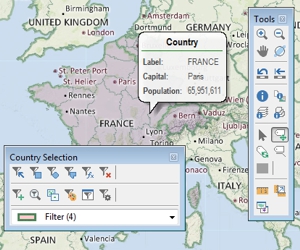
An introduction to basic Maptitude concepts including toolbars, help, shortcuts, context-sensitive menus, the working layer, and workspaces
You can create color theme maps with Maptitude thematic mapping software. Step-by-step tutorial on creating color theme maps.