Linking and Updating Data
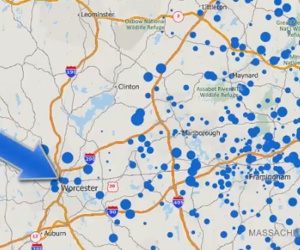
Creating a point file that is linked to your data and updating it when the source data change
Maptitude Learning Portal articles tagged with Excel
Creating a point file that is linked to your data and updating it when the source data change
Establishing a live link between your source data and the map, and then updating the map based on changes in the source data
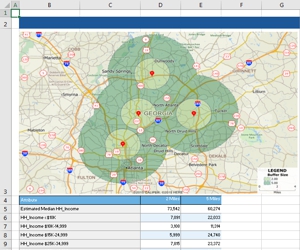
Creating named drive-time rings and exporting data about them to excel
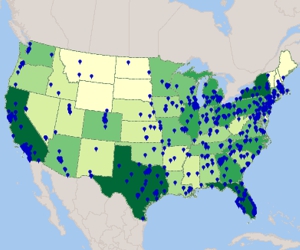
Using Maptitude Create-a-Map Wizard™ to show your data joined to postal codes and to geocode (pin map) your data by street address