
Last Updated: August 27, 2025
You can create, select, and display specific territories using mapping software. In Maptitude, you can create any number of territories interactively and also from a territory spreadsheet. To select and display specific territories, you can follow these steps:
-
- Make sure your selection toolbar is visible. If it is not, toggle it on by going to Selection > Toolbar.
- Set the Territory layer as your working layer.
- Use the Select by Pointing tool in the toolbar to select the territory you want to display.
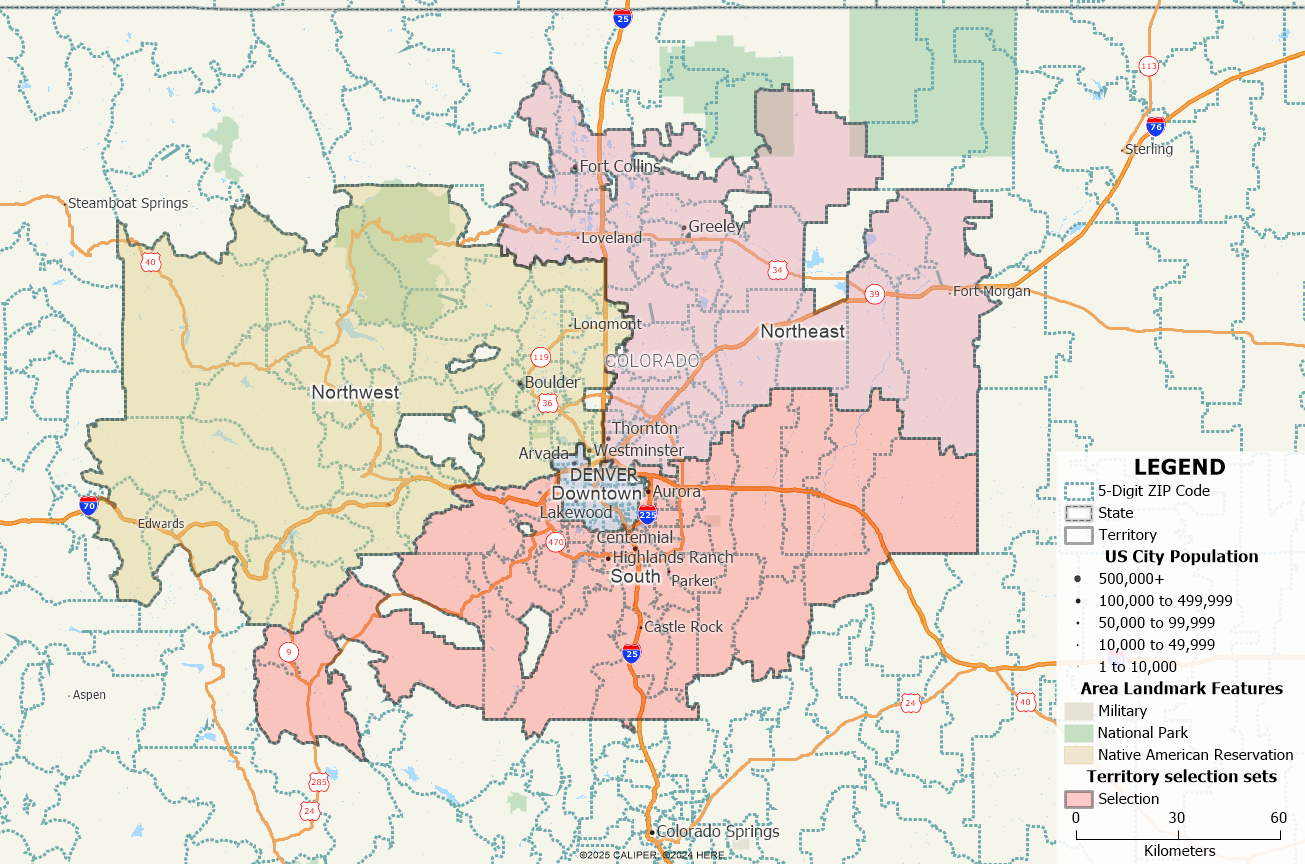
How Do I Select and Display Single Territories? Territory map with a territory selected. - Click on the “Show One Set/All Features” button to only highlight the selected territory.
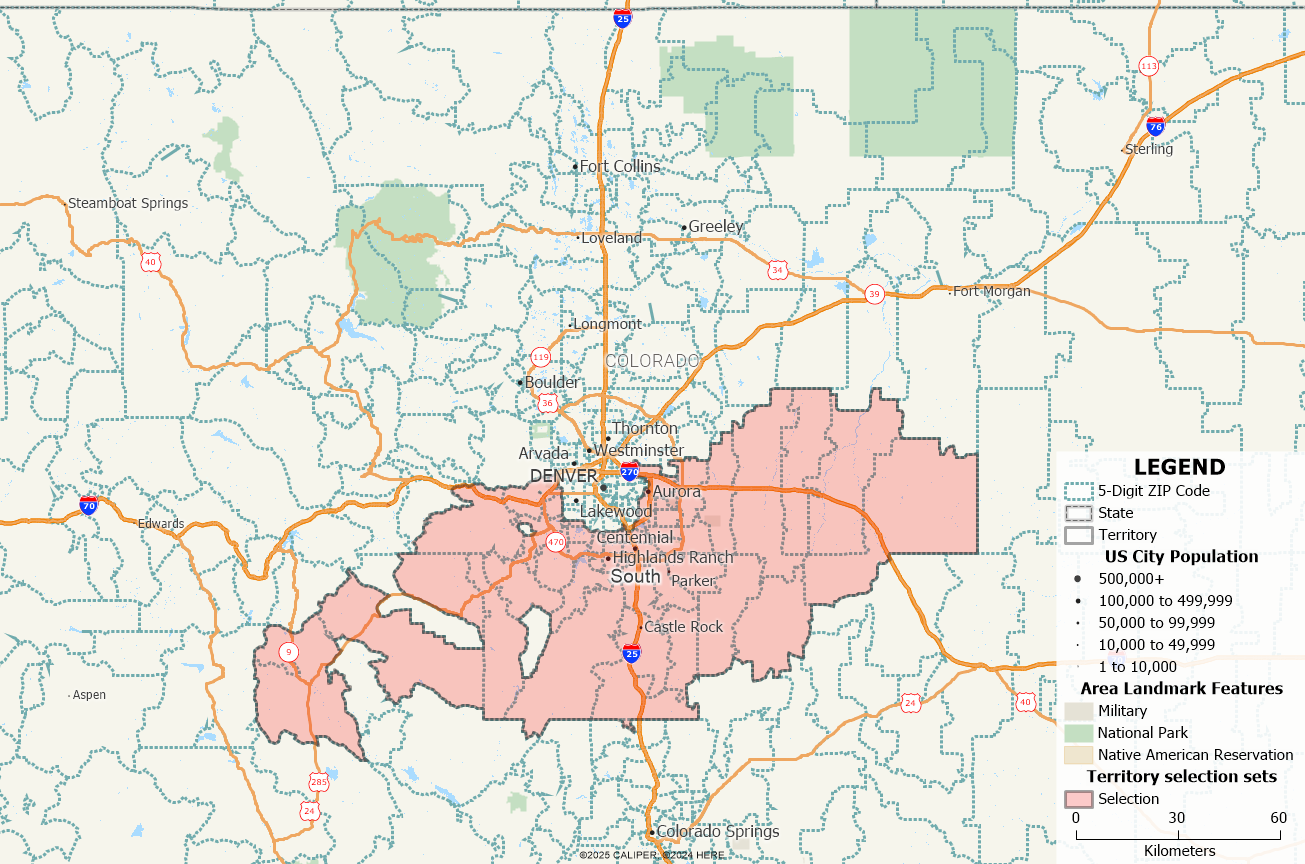
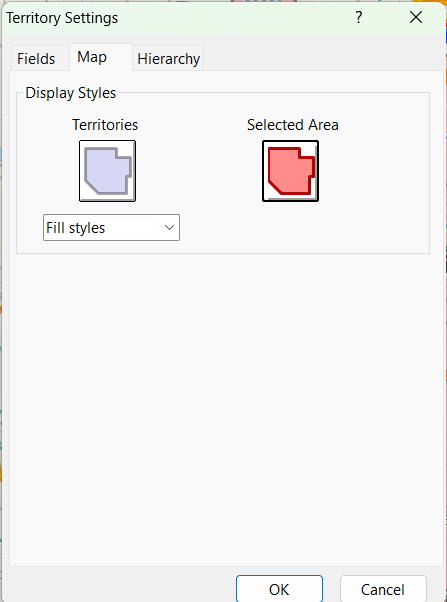
How Do I Select and Display Single Territories? Only selected territory is now shown. - To change the style of the selected territory, click on the Settings menu in the Territory Manager then select Territory Settings. You can adjust the style of your selected territory in the Map tab.
How Do I Select and Display Single Territories? Territory Setting menu. For more information on how to build territories from an excel file, please refer to our learning portal video on creating territories.