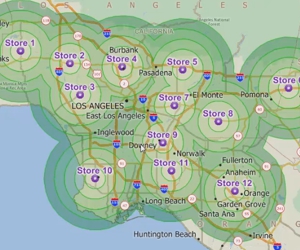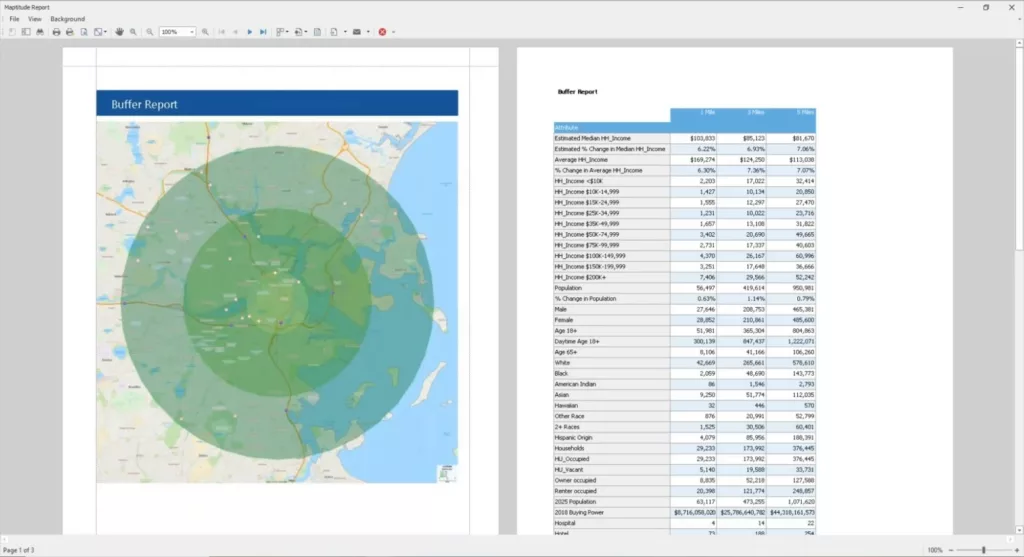
Creating Points, Lines, Areas and Buffers Interactively
Webinar on creating points, lines, areas, and buffers in Maptitude
Maptitude Learning Portal articles tagged with Demographics
Webinar on creating points, lines, areas, and buffers in Maptitude
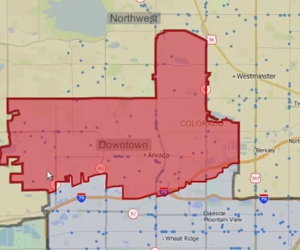
Using the Maptitude Territory Manager to create and modify territories in a territory layer
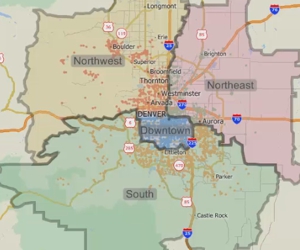
Using the Maptitude Territory Wizard to create and modify a territory layer
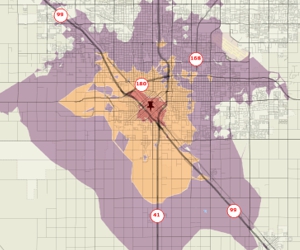
Using Maptitude to create rings based on the time it takes to travel over a street network from one or more origins
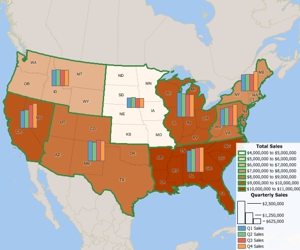
Using the MapWizard® tools to create color/heat themes, chart themes, dot-density themes, 3D themes, and scaled-symbol size themes, pattern and multiple symbol themes, and bubble theme maps.
You can create demographic maps using Maptitude demographic mapping software. Step-by-step tutorial on using the Demographic Map Librarian to quickly create demographic maps.
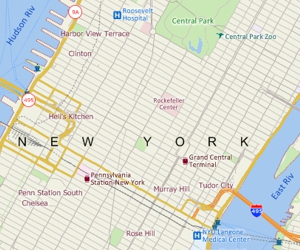
Creating a general purpose map with Maptitude using Create-a-Map Wizard™ or the Map Librarian
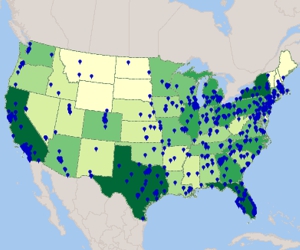
Using Maptitude Create-a-Map Wizard™ to show your data joined to postal codes and to geocode (pin map) your data by street address
You can create color theme maps with Maptitude thematic mapping software. Step-by-step tutorial on creating color theme maps.