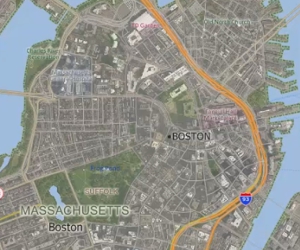
Using Aerial and Satellite Imagery in a Maptitude Map
How to add images to a map and access online image resources

How to add images to a map and access online image resources
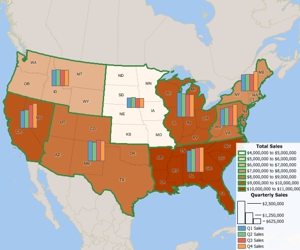
Using the MapWizard® tools to create color/heat themes, chart themes, dot-density themes, 3D themes, and scaled-symbol size themes, pattern and multiple symbol themes, and bubble theme maps.
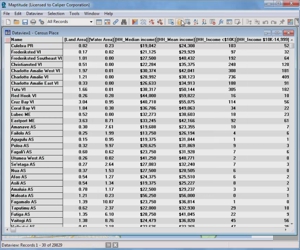
Using the Info tool, displaying data in a dataview, and working with dataviews
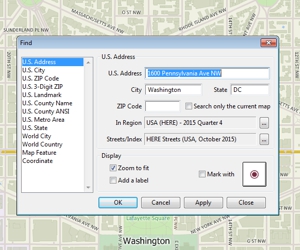
How to zoom in and out on a map, pan a map, use the map locator, and find a particular location on a map
How to map data at an international level using the Locate by World City tool
Downloading and using the free Business Location layers with Maptitude 2018
Downloading and using the free healthcare layers with Maptitude
Instructions to download and use the Traffic Data available for free with Maptitude